
Account Details
https://app.staging.goescrow.net/account
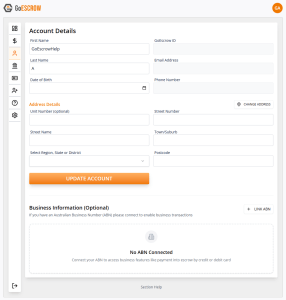
The Account details page allows users to view and edit their personal and business details.
If changes to “First Name”, “Last Name”, or “Date of Birth” are required, edit the appropriate fields and click “Update Account”
If changes to Address details are required, follow a similar process, or use the address search function by clicking “Change Address”
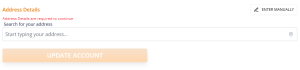
Select the correct listed address to pre-fill fields, and then click “Update Account” to save changes.
To enable extended functionality for Australian Businesses, an ABN (Australian Business Number) must be linked.
To Link an ABN, click “Link ABN”. The following pop-up window will appear.
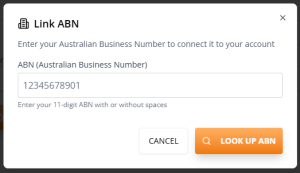
Enter your ABN and click “Look up ABN”.
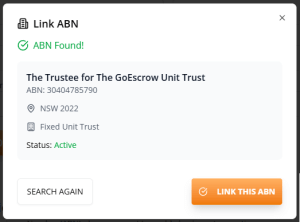
Click “Link This ABN” to proceed.
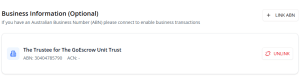
Linked ABNs will appear under the Business Information banner, and can be unlinked at any time by clicking “Unlink ABN”