Bank Account Details help
https://app.staging.goescrow.net/bank-account
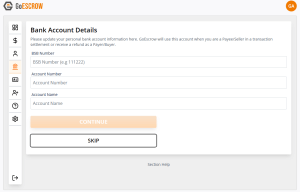
To facilitate transactions, a bank account must be associated with a User’s GoEscrow account.
On this page Users can input and update their bank account details.
The nominated bank account will be used to fund transactions as a buyer and to receive funds as a seller.
To nominate a bank account, complete the three text fields and click “Continue” (The BSB field should be numbers only)
GoEscrow will then send a verification transaction to the nominated bank account
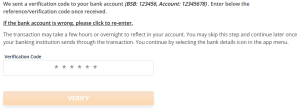
Users must then open their banking app such that they can view the transaction details of the nominated account.
The 6-digit code can be found in the description of the verification transaction.
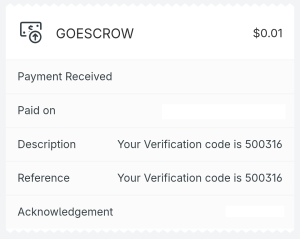
User’s must then return to the GoEscrow app, input the 6-digit code and click “Verify”
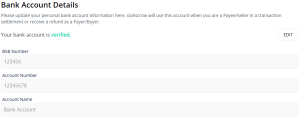
Successful verification is shown in the following graphic.