Change Email Address help
https://app.staging.goescrow.net/user/email
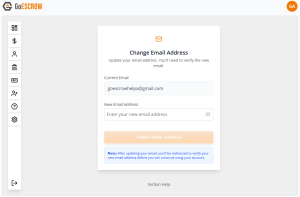
This page allows users to change the email address that is attached to their GoEscrow Account.
Since a User’s email address is integral to account security, any new email address must be verified to continue to use GoEscrow services.
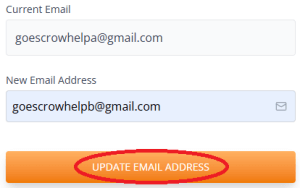
To update their email address, Users should check the prefilled “Current Email”, enter the desired “New Email Address”, and click “Update Email Address”.
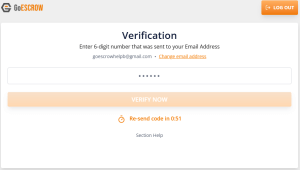
A 6-digit verification code will then be sent to the new email address. Users should enter the code into this page and click “Verify Now”.
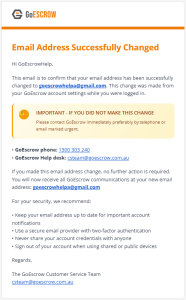
Upon successful verification, Users will be taken back to their dashboard, and will receive the following confirmation email to their new email address.