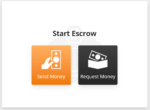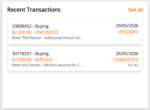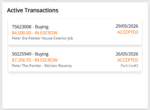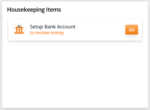

Welcome to the GoEscrow Payment Protection Platform app “Dashboard”. Here you will find the menu bar and four boxed sections.
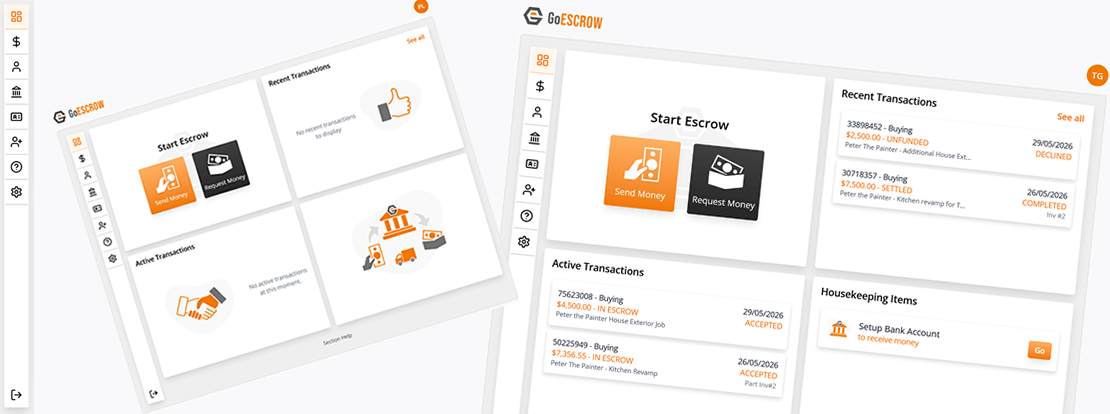
Menu Items
 HOME – At any time click on the GoEscrow top left logo or the dashboard menu icon to return to this page.
 TRANSACTIONS – click here to review all your escrow transactions. Filter by transaction status type.
 ACCOUNT – The Account Details section has the name, date of birth, email and mobile phone we have on file for you. Use the main settings icon lower down to change your email or mobile phone. In this section we also store your address and any (optional) ABN entities linked to this account.
 BANK – This section is for your “Settlement Bank Account” details and it is very important. This is the bank account that we will send money to when a transaction moves from ‘IN ESCROW’ to “SETTLEMENT PENDING”. It is your personal bank account and must be in a name that matches your provided identification documents. If you with to use a Family Trust, Company or other ABN related bank account please contact Customer Service team to set up an ABN Entity account.
 ID – Click here to send us your identification document details or if you have already done so successfully this menu will simply display ‘Identification Verified’. When you ID documents held on file hit their expiry date we will request an update in this section.
 INVITE – You may invite another person to use the GoEscrow Payment Protection platform here by simply telling us an email or a mobile number.
 HELP DESK- GoEscrow Customer Service staff can help with general enquiries or to place a transaction on hold while a dispute is resolved. This menu button provides links for these activities.
 SETTINGS – This menu allows you to change your password, email address and mobile phone number that we hold on file for you.
 LOG OUT – Click here to disconnect and stop interacting with this account.
Dashboard Quadrants
New Transaction