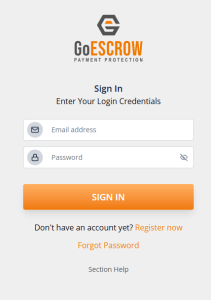
Forgot password
https://app.staging.goescrow.net/auth/forgot-password
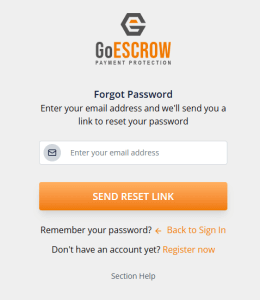
In the even that a user forgets their login password, this tool can be used to reset it and recover the account.
to proceed with password reset, users should input the email address associated with their GoEscrow account and click “Send Reset Link”
An email containing the password reset link will be sent to the nominated email address which appears as below.
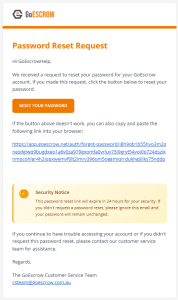
Users may click “Reset Your Password” or copy and paste the link text into their browser to proceed.
Users will be linked to the password reset tool as below.
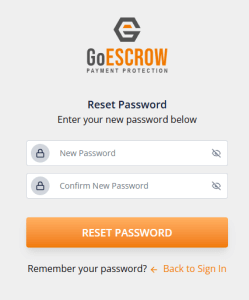
Users should fill the text fields with a new password and should ensure that both fields are identical. This can be checked by clicking the “eye” icon on the right of the text field to see the entered password.
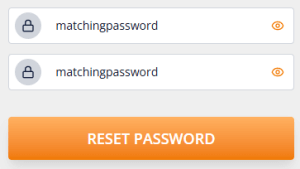
Once the user is satisfied with the new password, and the fields match, the user should click “Reset Password” to proceed.
Users will then be redirected to the original Sign In page and may use their new password to access GoEscrow Services.