This page follows from the process that started here: ID Page Section Help
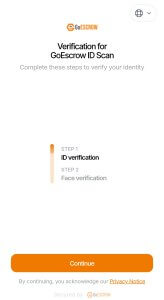
Mobile document verification opening page. Tap continue to proceed.
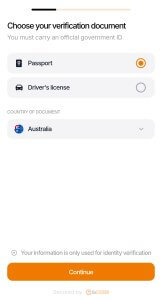
Choose a document type to verify. Select either Passport or Driver’s Licence.
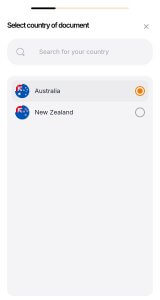
Select the issuing country of the document.
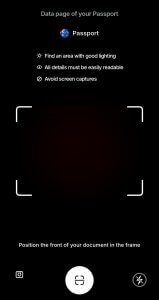
Prepare the document for scanning. Driver’s Licences will be scanned front and back, Passports will only need to be scanned on the data page.

Use the presented camera page to scan the document. In most cases, the user must enable camera access via a pop-up notification or in their mobile device settings.
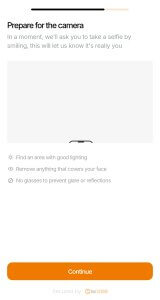
Prepare to take a selfie. Users should ensure that the lighting in their current location is suitable for photographs, and should remove any items obscuring their face (Sunglasses, face-masks for example).
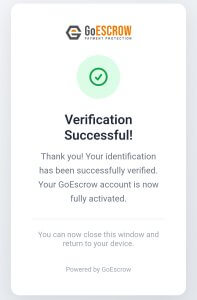
Once verification is completed, the verification app will confirm completion.

GoEscrow will then confirm completion as well.