
login help
https://app.staging.goescrow.net/auth/login
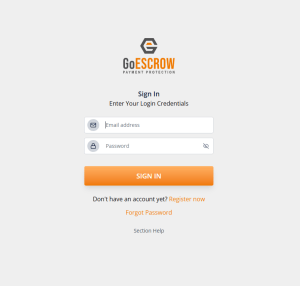
To use GoEscrow, users must first Log In.
Enter the email address used to register for GoEscrow, and the associated password, and click “Sign In”.
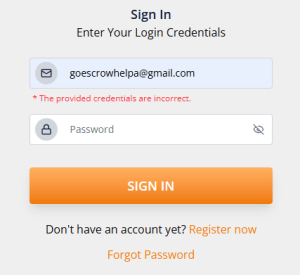
If the provided details do not match an existing account, users may retrieve their account by clicking “Forgot Password” or register for an account by clicking “Register Now”.
For help with registering for a GoEscrow account, follow this link; https://goescrow.com.au/create-account-help/
For help with retrieving a GoEscrow account, follow this link; https://goescrow.com.au/forgot-password-help/