
Use manual entry to provide your Australian driver’s licence information. Have the current physical or digital licence available.
Enter your licence details
 Enter your licence details
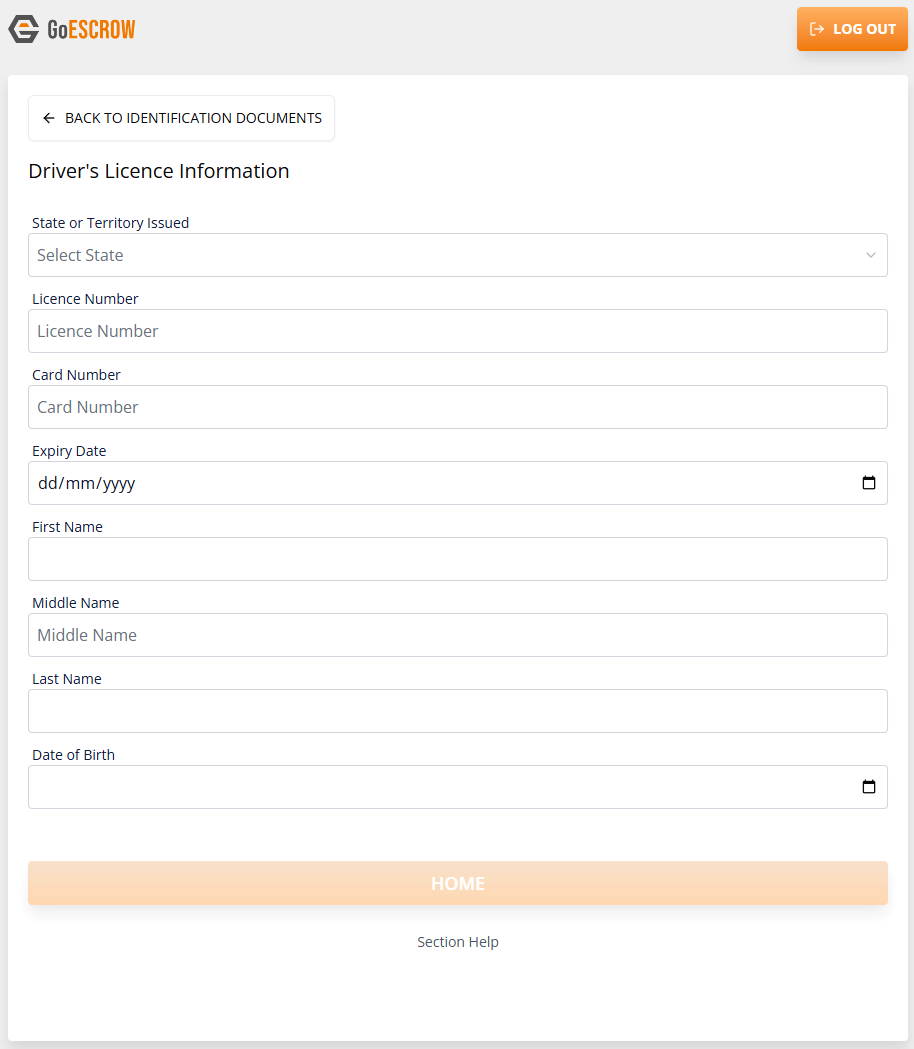 Open larger image
Copy details exactly as shown on your licence. Enter licence and card numbers without spaces. Include your middle name if applicable.
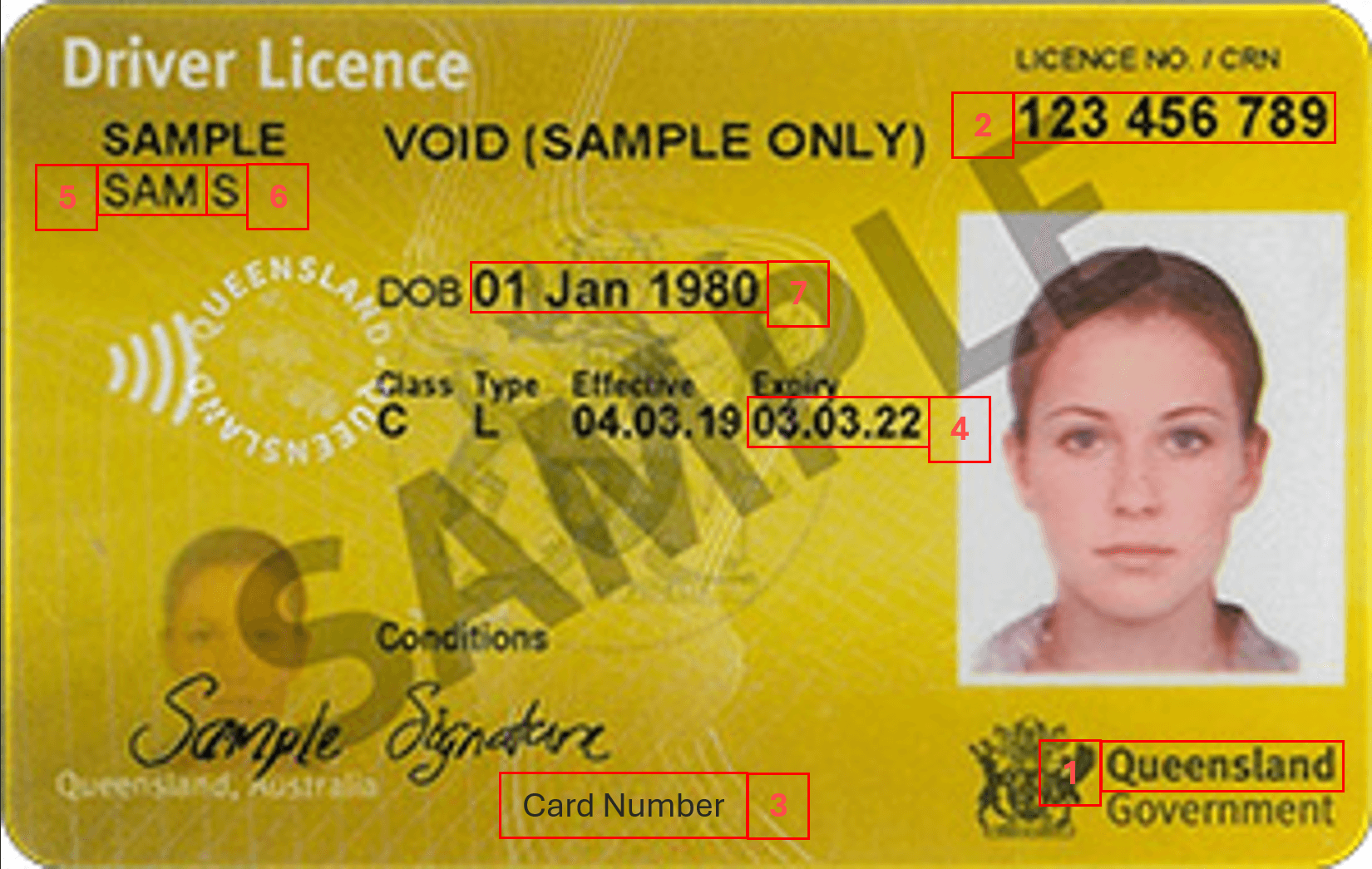 Open larger image
- Issuing state or territory.
- Licence number.
- Card number (distinct from the licence number).
- Expiry date.
- First name and any middle name.
- Last name.
- Date of birth.
Submit and check verification
 Submit and check verification
Review the entries and submit. The application may display Verifying your details; keep the page open. If verification is unsuccessful, select Review my details and correct any errors.
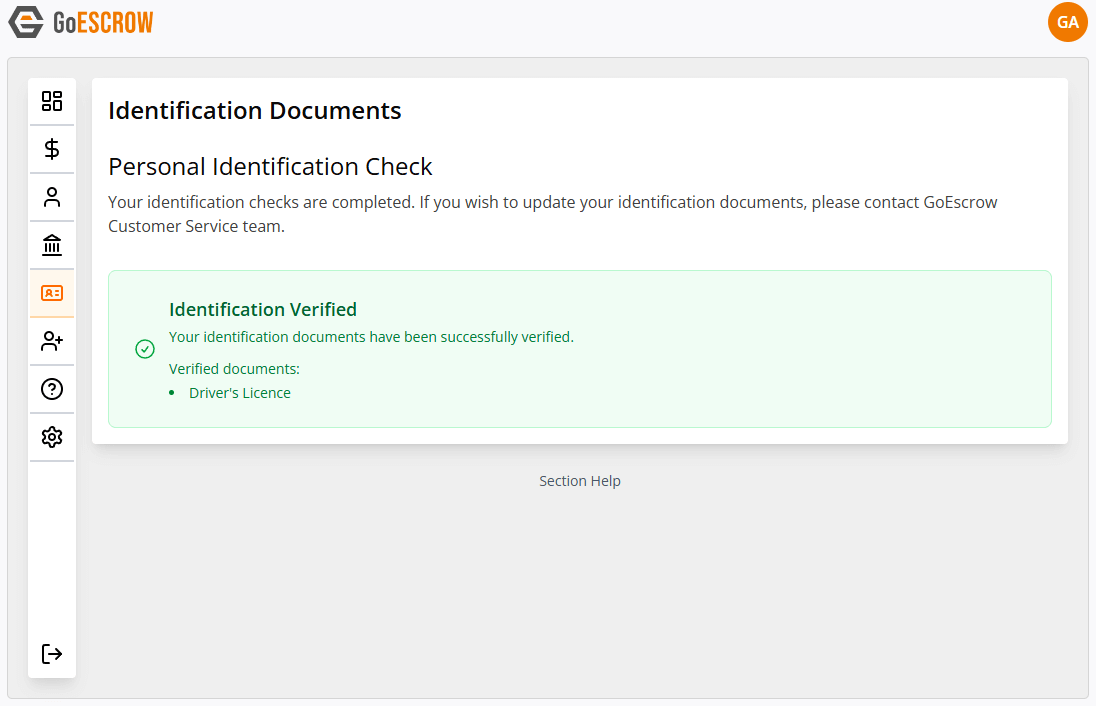 Open larger image
See Identification Documents or Mobile verification for other available options.