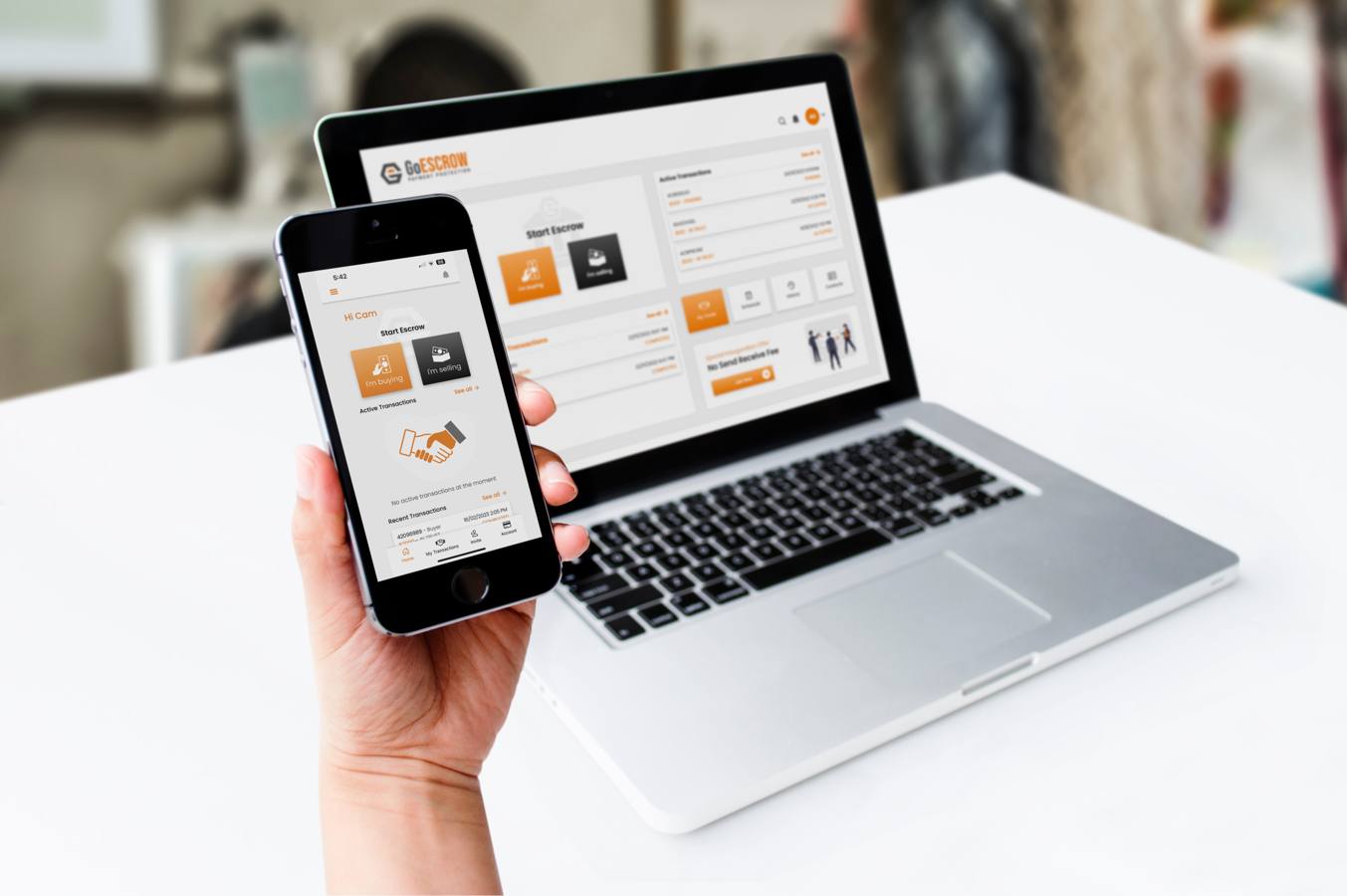
Explore the GoEscrow Online User Guide for the web and mobile apps. Choose a topic below for instructions on setting up your account, verifying your identity and creating or managing escrow transactions.
Getting started
 Getting started
- Create Account — Register a new GoEscrow account.
- Sign in — Access your existing account.
- Forgot Password — Recover access to your account.
- Email Verification — Verify your registered email address.
- Phone Verification — Verify your registered mobile number.
- New Account Details — Complete your personal account details.
Using GoEscrow
 Using GoEscrow
- Dashboard — Navigate the application and review transactions.
- Invite — Invite another person to register.
Account management
 Account management
- Account Details — Review and manage your personal details.
- Connect an ABN — Link an Australian business to your account.
- Bank Account Details — Set up and verify your settlement bank account.
- Change Password — Update your current password.
- Change Email Address — Update your registered email address.
- Change Mobile Number — Update your registered mobile number.
Identity verification
 Identity verification
- Identity verification during registration — Complete identification during account setup.
- Manage identification documents — Review and update your identification documents.
- Verify identification using your mobile — Scan an identity document using your mobile phone.
- Drivers License Entry — Enter your Australian driver’s licence details.
- Passport Entry — Enter your passport details.
Creating transactions
 Creating transactions
- Send Money — getting started — Identify the payee and start a transaction.
- Send Money — transaction setup — Set the transaction terms and amounts.
- Request Money — getting started — Identify the payer and request an escrow payment.
- Request Money — transaction setup — Set the requested transaction terms and amounts.
Managing transactions
 Managing transactions
- Transaction Listing — Find and filter your escrow transactions.
- Transaction Details — Review transaction details, status and available actions.
Funding and payment services
- PayTo funding help — Set up a PayTo agreement and fund eligible transactions.
Further information
For explanations of escrow and commercial use cases, see the Escrow Guides. For formal product information, review the Product Disclosure Statement, Financial Services Guide and Terms of Use.