
Mobile verification confirms that you control the phone number registered with your GoEscrow account.
Verify your mobile number
 Verify your mobile number
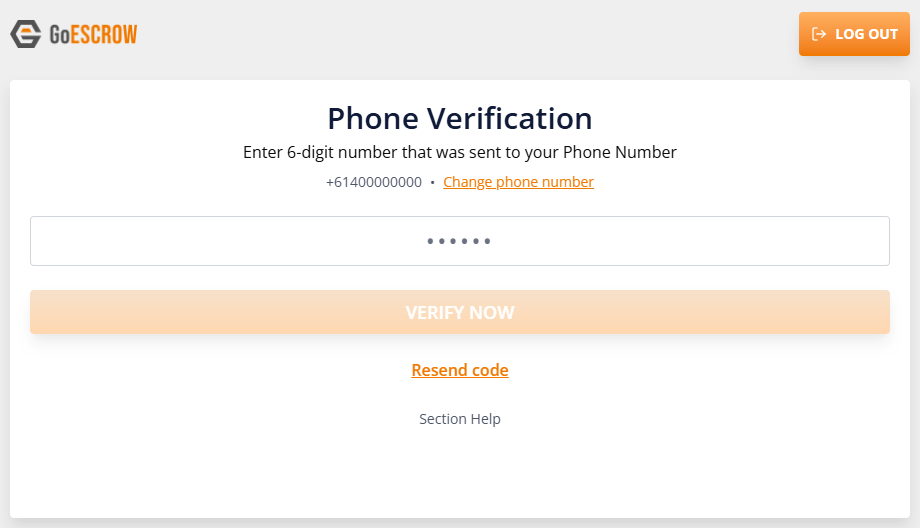
- Check the number displayed on the verification screen.
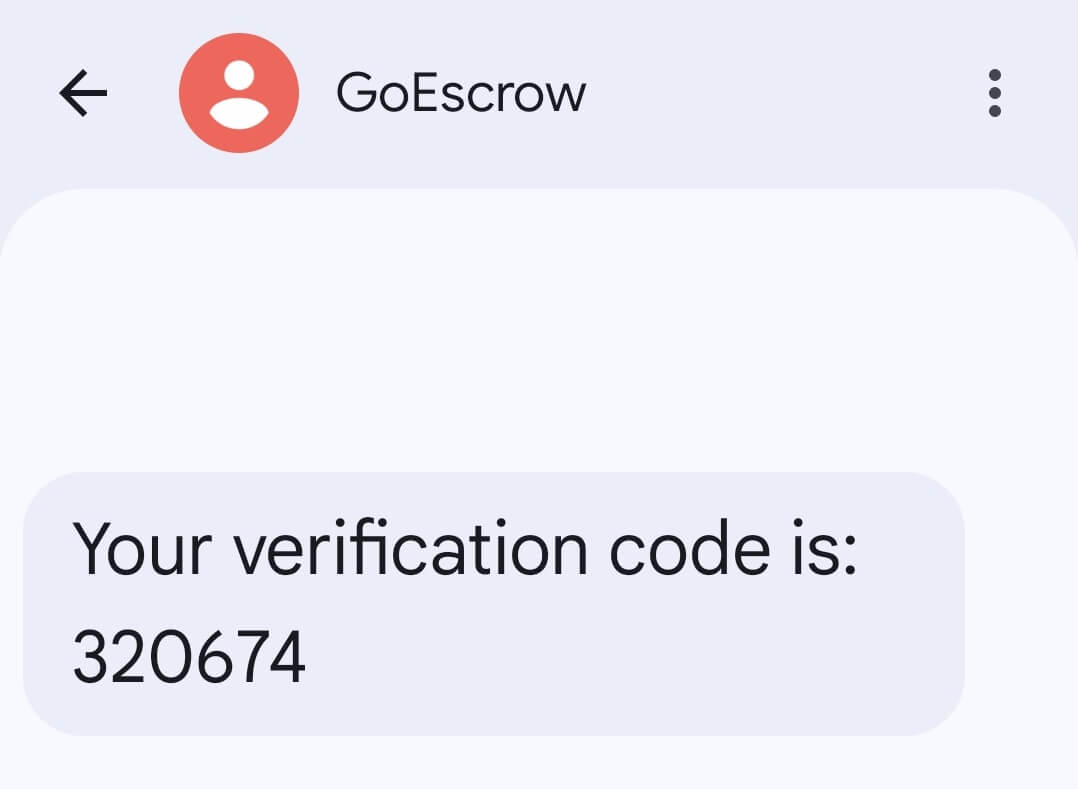
- Open the SMS sent by GoEscrow.
- Enter the six-digit code in the original screen.
- Select Verify Now.
 Open larger image
 Open larger image
If you have not received the SMS
 If you have not received the SMS
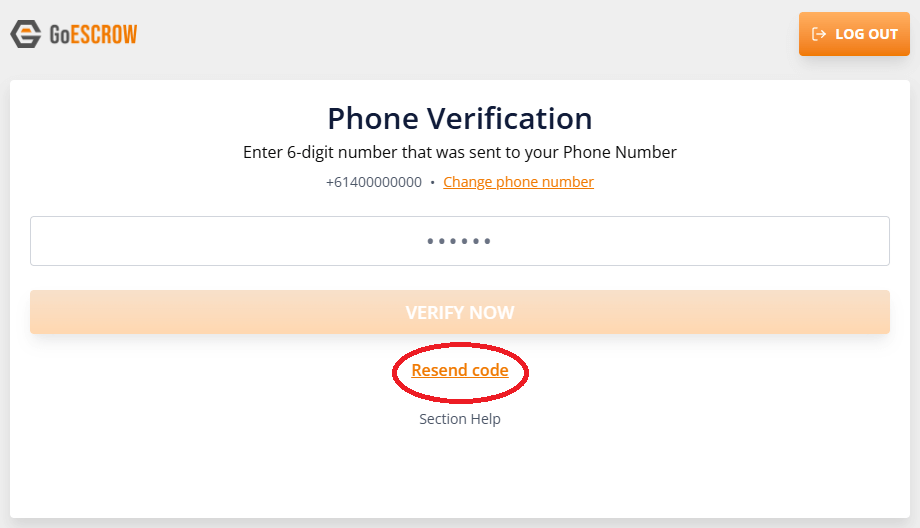
Check mobile reception and the displayed number. When the resend option becomes available, select Resend code and use the latest code. Do not share verification codes with other people.
 Open larger image
 Related documentation