
Use manual passport entry to provide information from the passport’s personal information page.
Enter passport details
 Enter passport details
 Open larger image
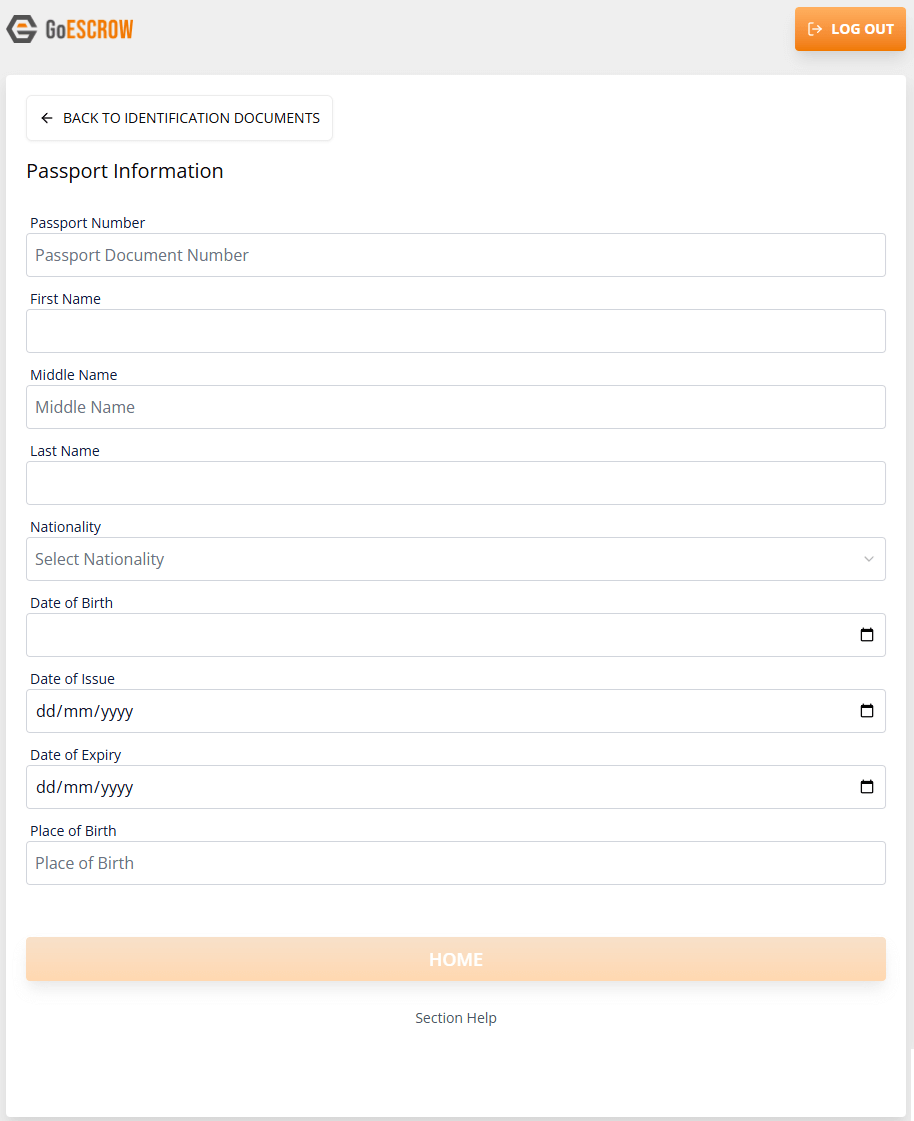
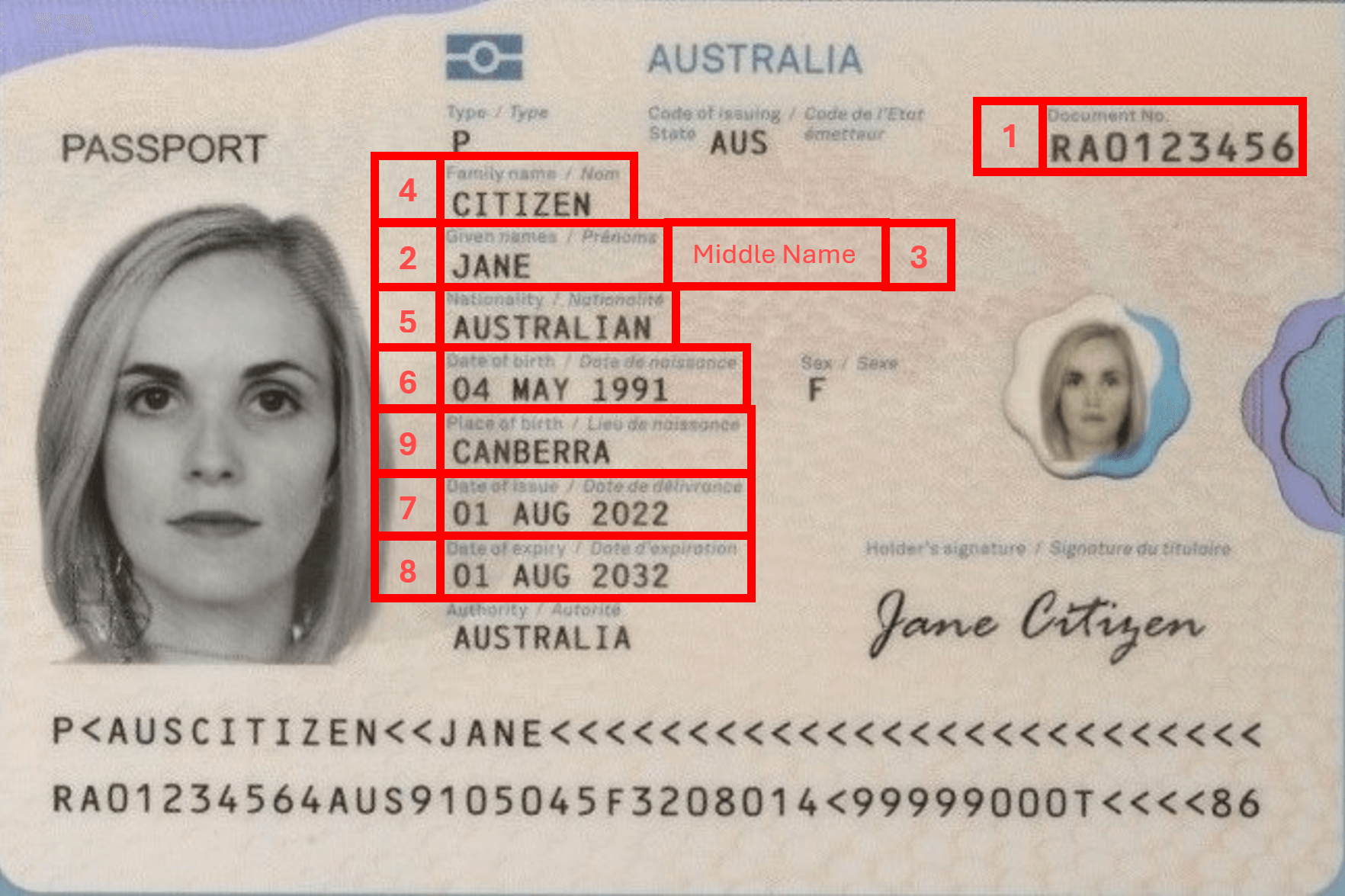
Enter names exactly as printed, including a middle name if shown. Complete the fields displayed, including passport number, name, date of birth, issue and expiry dates and place of birth where requested. Select the country that issued the passport where asked; this may differ from your nationality.
 Open larger image
Review any additional fields shown on your current application screen. The illustrated screen may differ from later application versions.
Submit and check verification
 Submit and check verification
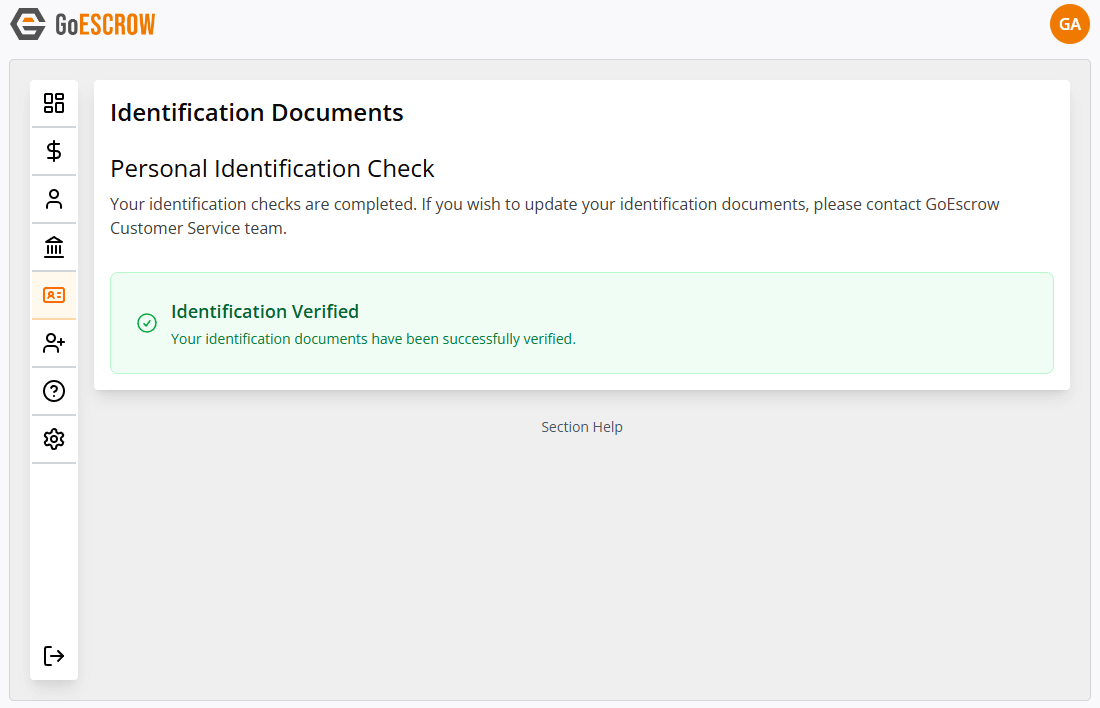
Submit the completed form and keep the page open during verification. If the details cannot be verified, select Review my details and check the passport information again.
 Open larger image