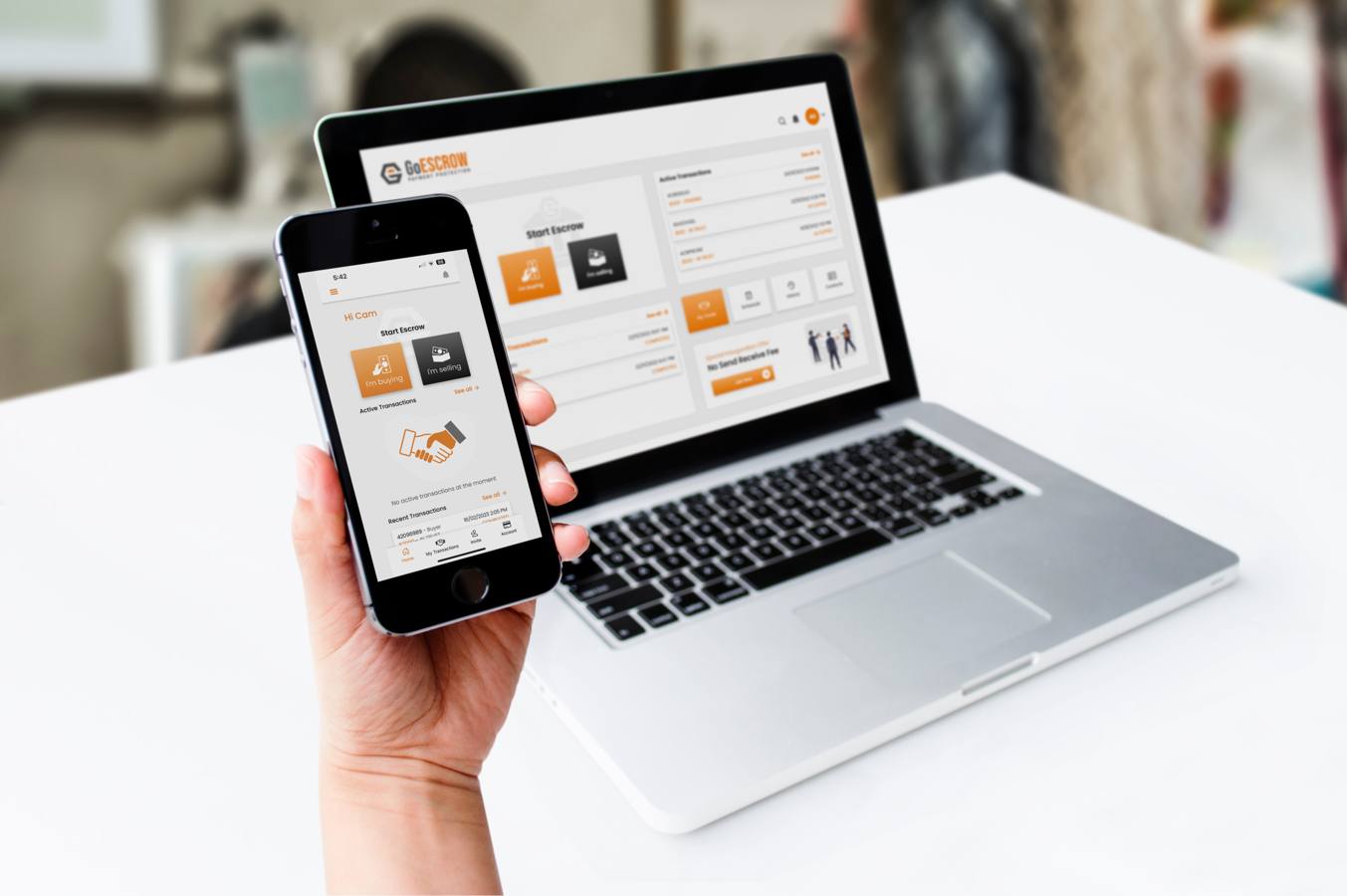
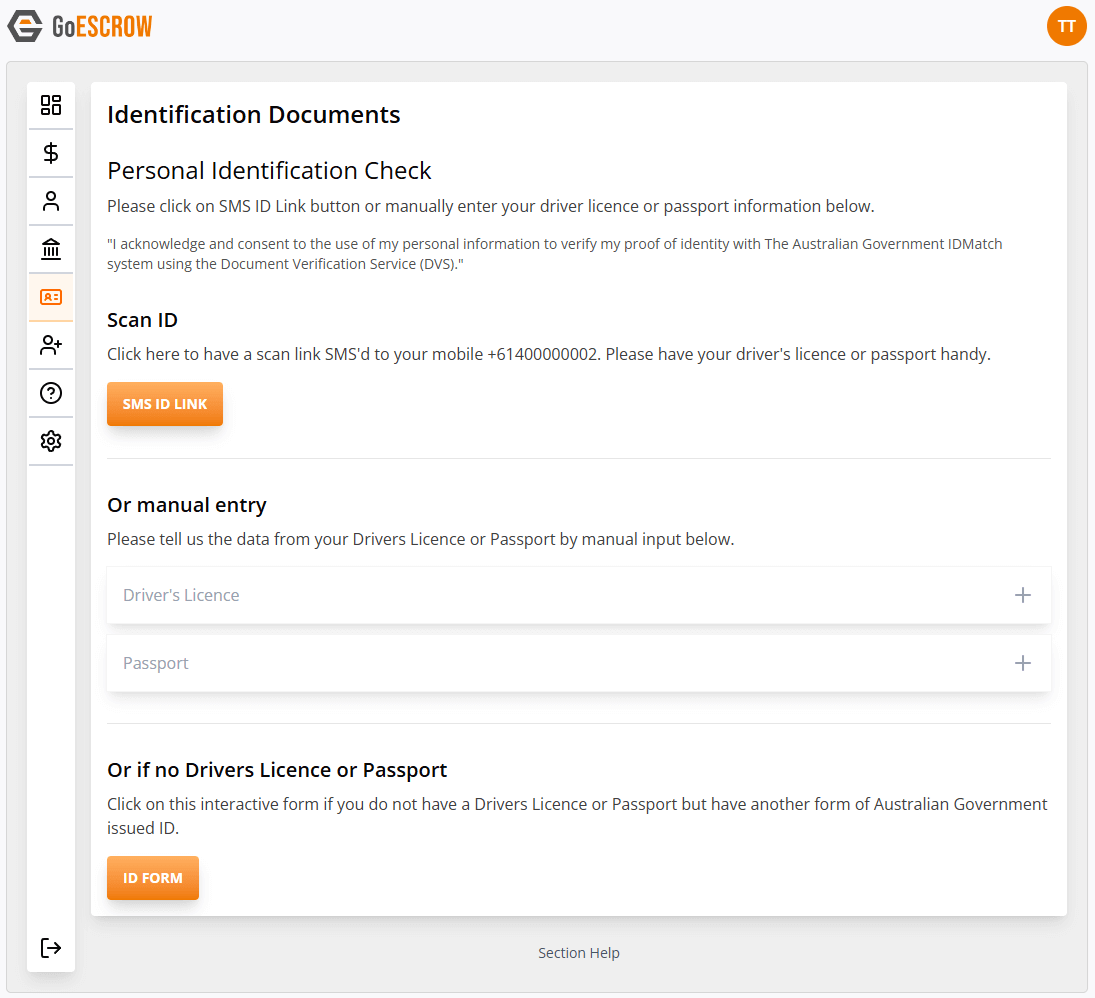
Open Identification Documents in your GoEscrow account to check the details and verification status of your identity documents and provide updated information when required.
 Open larger image
Scan a document using your mobile
 Scan a document using your mobile
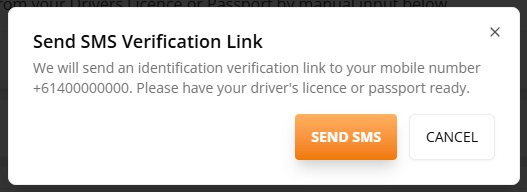
Where available, select SMS ID Link. Check your registered mobile number and select Send SMS.
 Open larger image
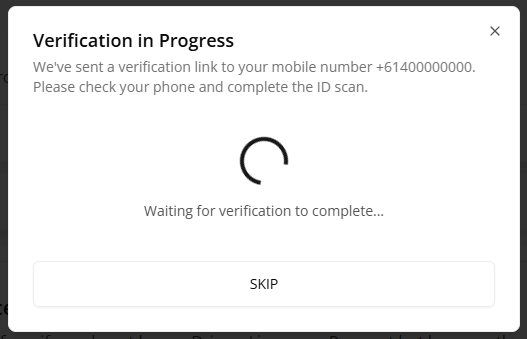
Open the link on your phone and follow the document scanning instructions. Keep the original GoEscrow screen open while verification is in progress.
 Open larger image
See Mobile identity verification for the illustrated process.
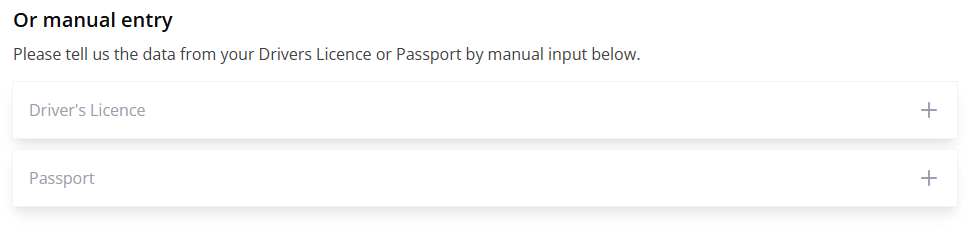
Enter document details manually
 Enter document details manually
Select the Driver’s Licence or Passport row to enter the information from your document.
 Open larger image
Driver’s licence manual entry · Passport manual entry
Check your verification result
 Check your verification result
Follow the verification result shown in GoEscrow. Providing document details does not necessarily mean verification is complete. If the document cannot be verified, review your entries and follow the instructions provided. Contact Customer Service if you cannot provide the requested documents.
When a document expires or GoEscrow requests an update, return to this section and follow the displayed instructions.