
Use Invite to send someone a registration invitation when they do not already have a GoEscrow account.
Send an invitation
 Send an invitation
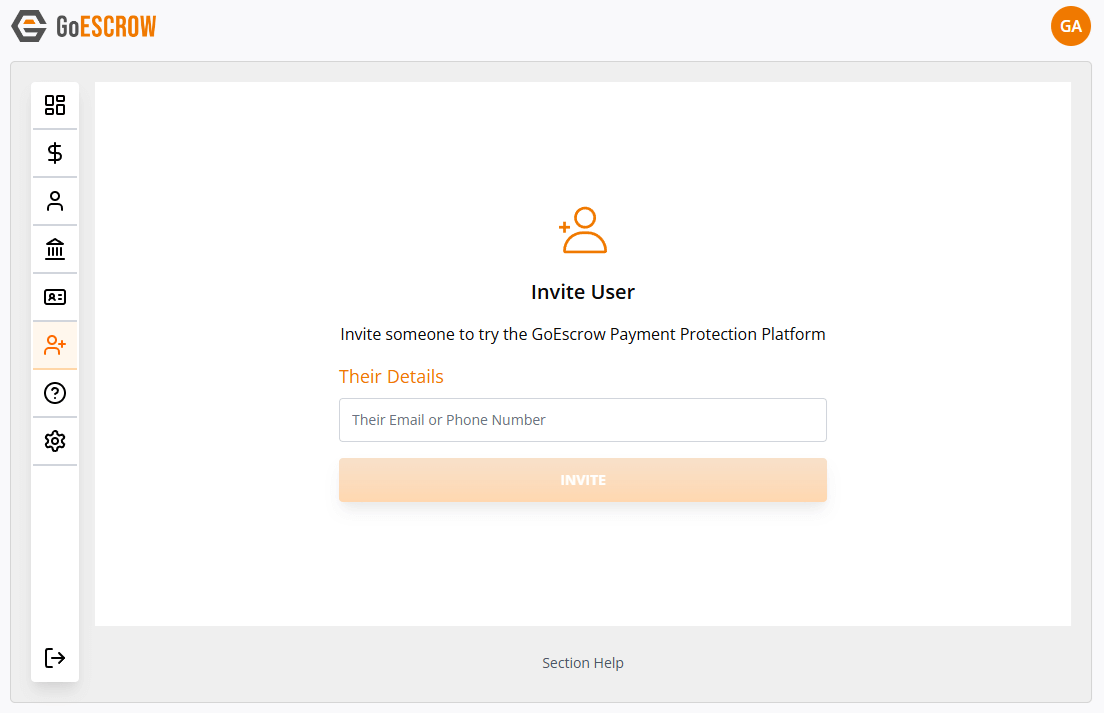
- Open the Invite section.
- Enter the recipient’s email address or mobile number, as supported by the screen.
- Check that the details belong to the intended person.
- Select Invite.
 Open larger image
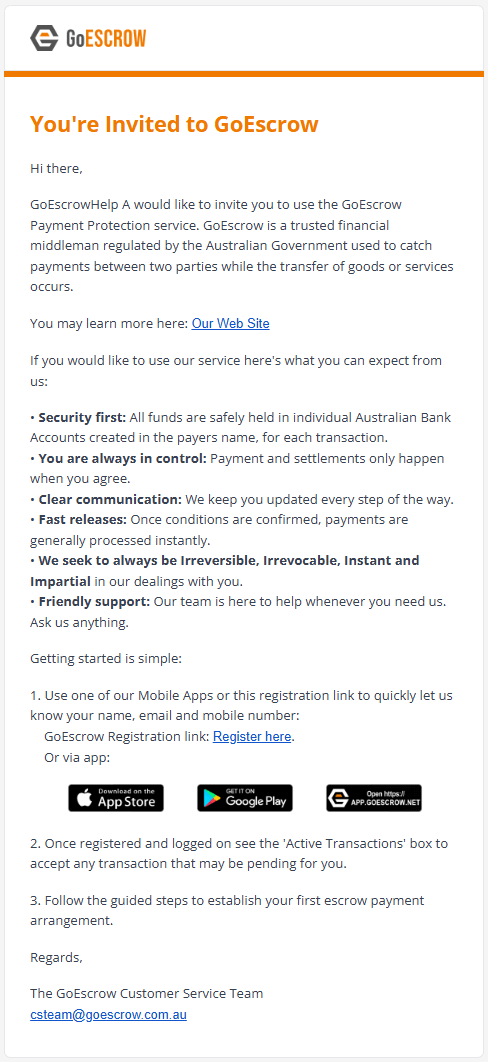
GoEscrow confirms when the invitation has been sent successfully. The recipient can follow the invitation instructions to register.
 Open larger image
What happens next
 What happens next
An invitation is not an accepted or funded escrow transaction. When the recipient has registered, follow the appropriate transaction creation process: Send Money or Request Money and check their identity before proceeding.
 Related documentation