
Sign in to your existing GoEscrow account using the email address and password you registered with. You can use the GoEscrow Web App or the official mobile application.
Sign in to your account
 Sign in to your account
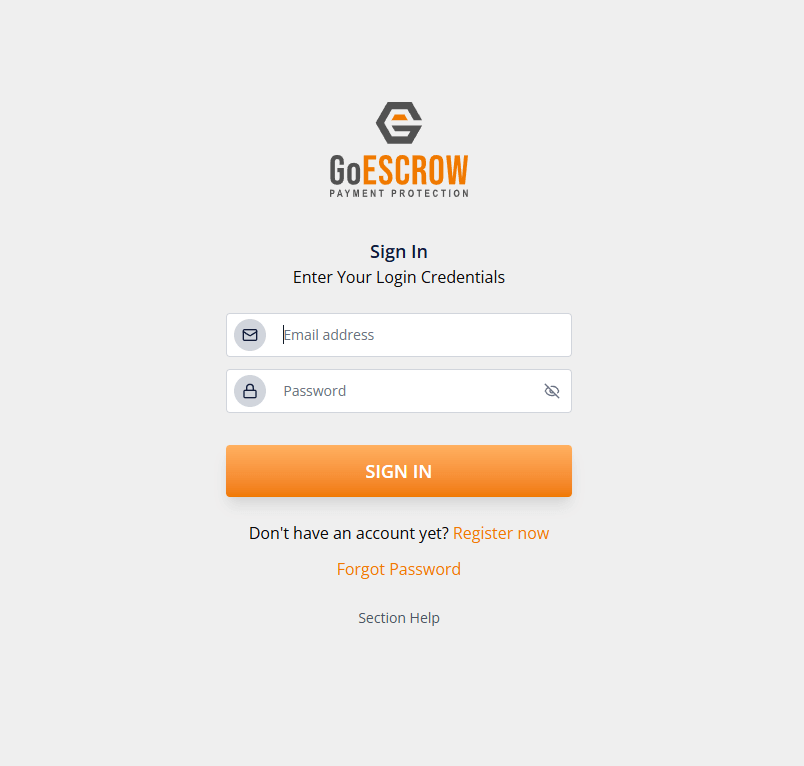
- Enter your registered email address.
- Enter your password. Use the eye icon to check your entry if needed.
- Select Sign In.
- Follow any additional verification instructions shown.
 Open larger image
If you cannot sign in
 If you cannot sign in
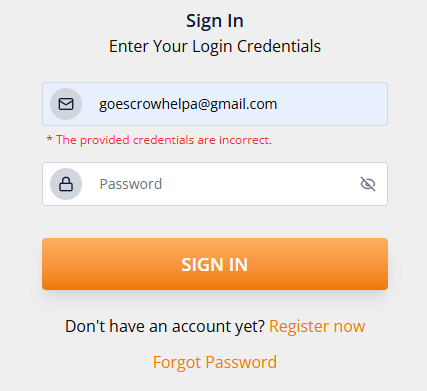
Check that your email address and password are correct. If you have forgotten your password, choose Forgot Password. An incorrect sign-in does not mean that you need a new account.
 Open larger image
New to GoEscrow? Choose the registration option instead.
 Related documentation