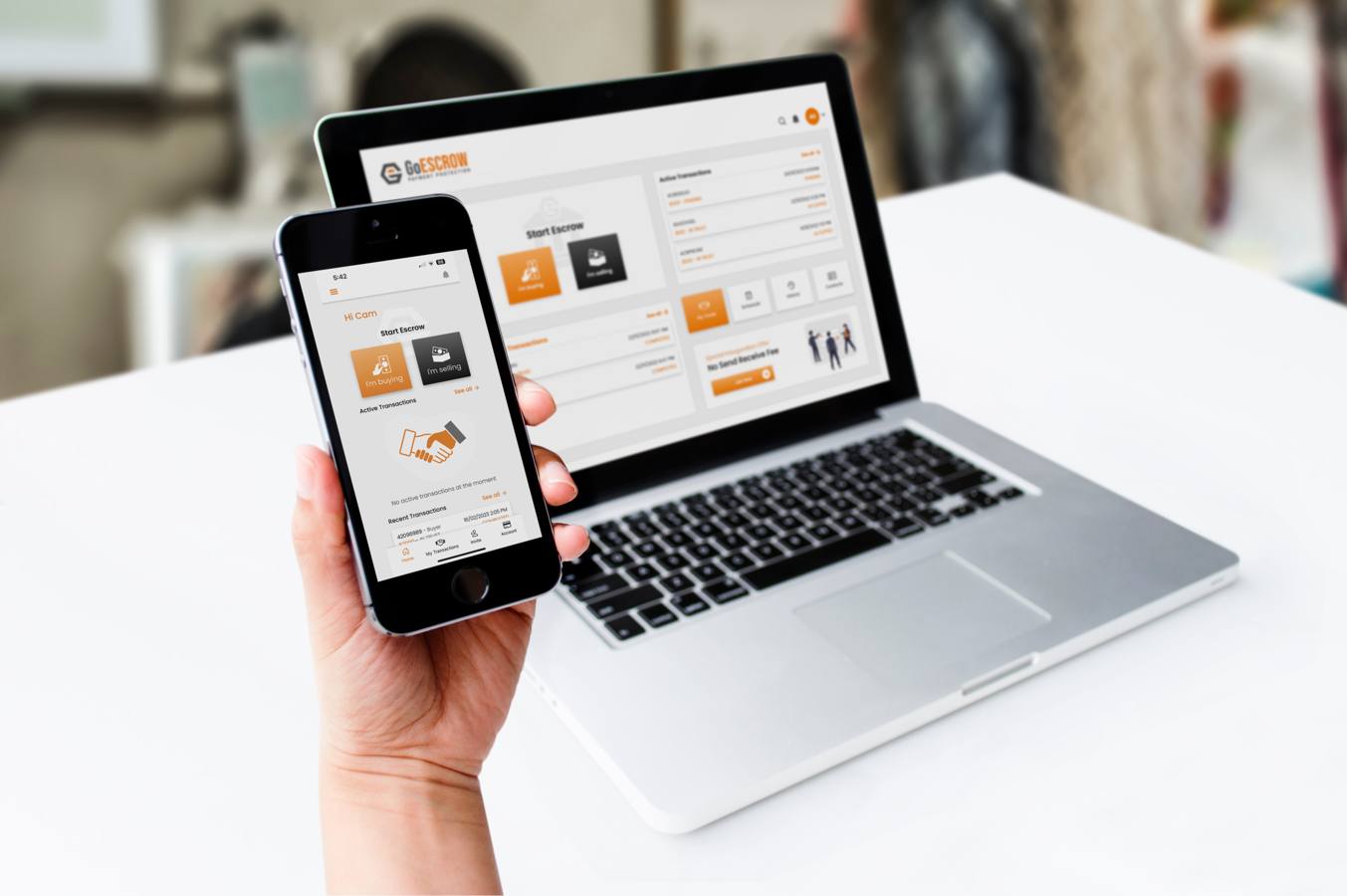
Create a GoEscrow account to access the Payment Protection Platform. Use your own contact details, which you will need to verify.
Enter your registration details
 Enter your registration details
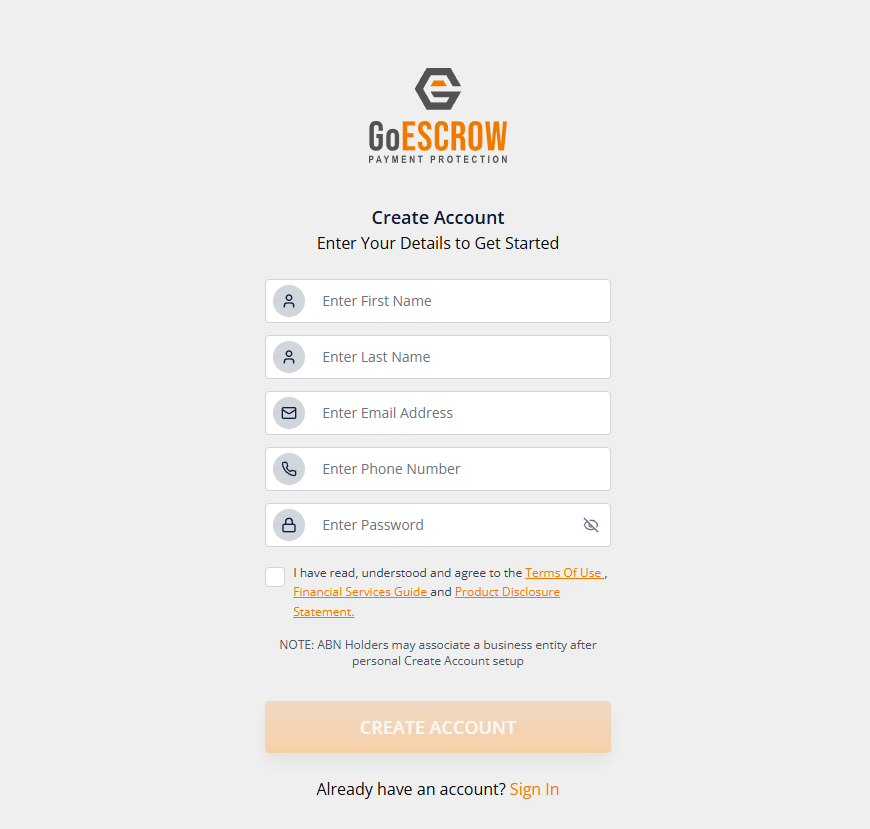
- Enter your first and last name.
- Enter an email address and mobile number you can access.
- Choose a password and enter it again in Confirm Password.
 Open larger image
Review the product documents
 Review the product documents
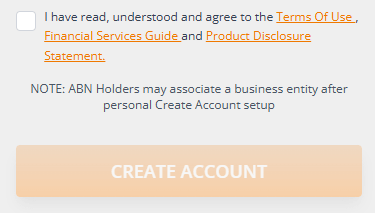
Read the Terms of Use, Financial Services Guide and Product Disclosure Statement. When you understand and agree to the applicable documents, select the agreement checkbox and choose Create Account.
 Open larger image
Complete account verification
 Complete account verification
Follow the prompts to verify your email and mobile number and complete your profile. Additional account or identification requirements may apply before you can use particular payment functions.
Registration → Contact verification → Account details → Complete applicable requirements
 Related documentation