
Email verification confirms that you can access the email address registered with your GoEscrow account.
Verify your email address
 Verify your email address
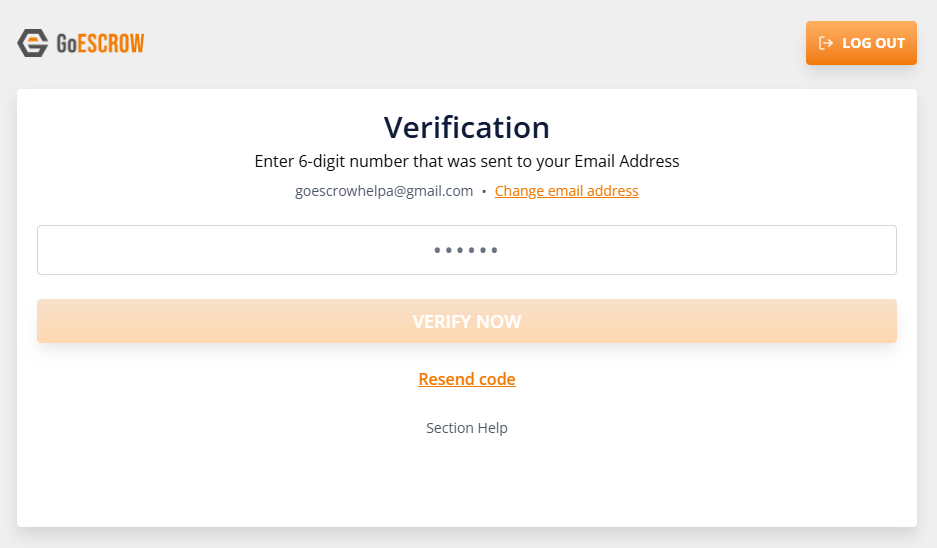
- Check the email address displayed on the verification screen.
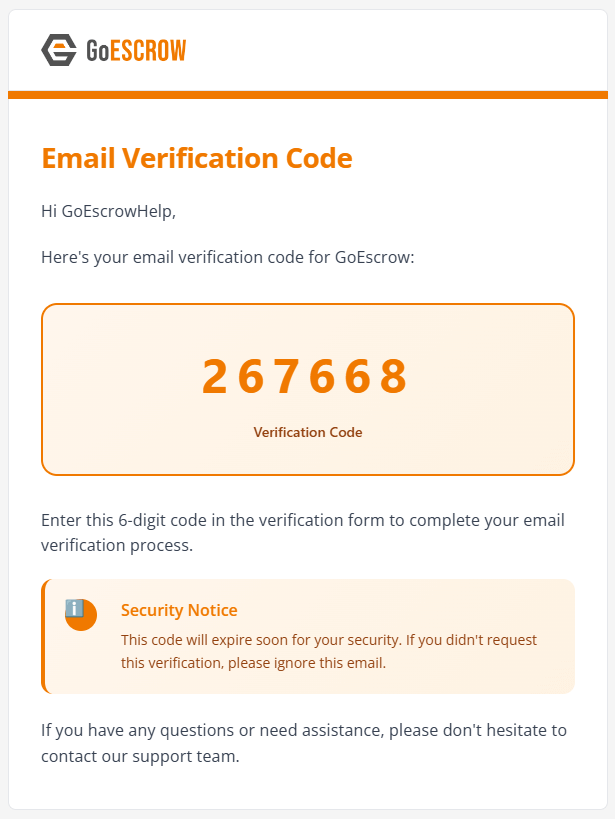
- Open the verification email sent by GoEscrow.
- Enter the six-digit code in the original verification screen.
- Select Verify Now.
 Open larger image
 Open larger image
If the code does not arrive
 If the code does not arrive
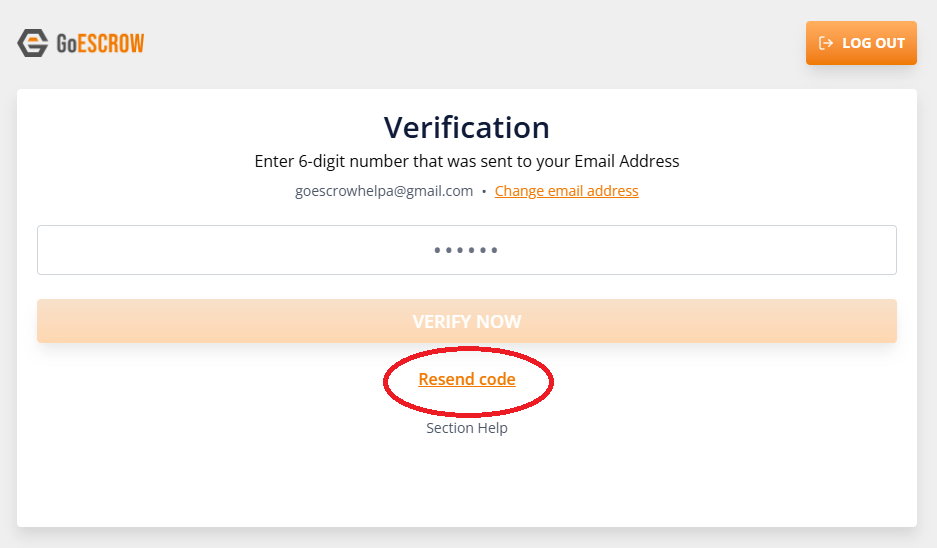
Check your junk folder and confirm the displayed email address is correct. Once available, select Resend code to request another code. Use the most recent code.
 Open larger image
Never disclose a verification code to someone who contacts you unexpectedly.
 Related documentation