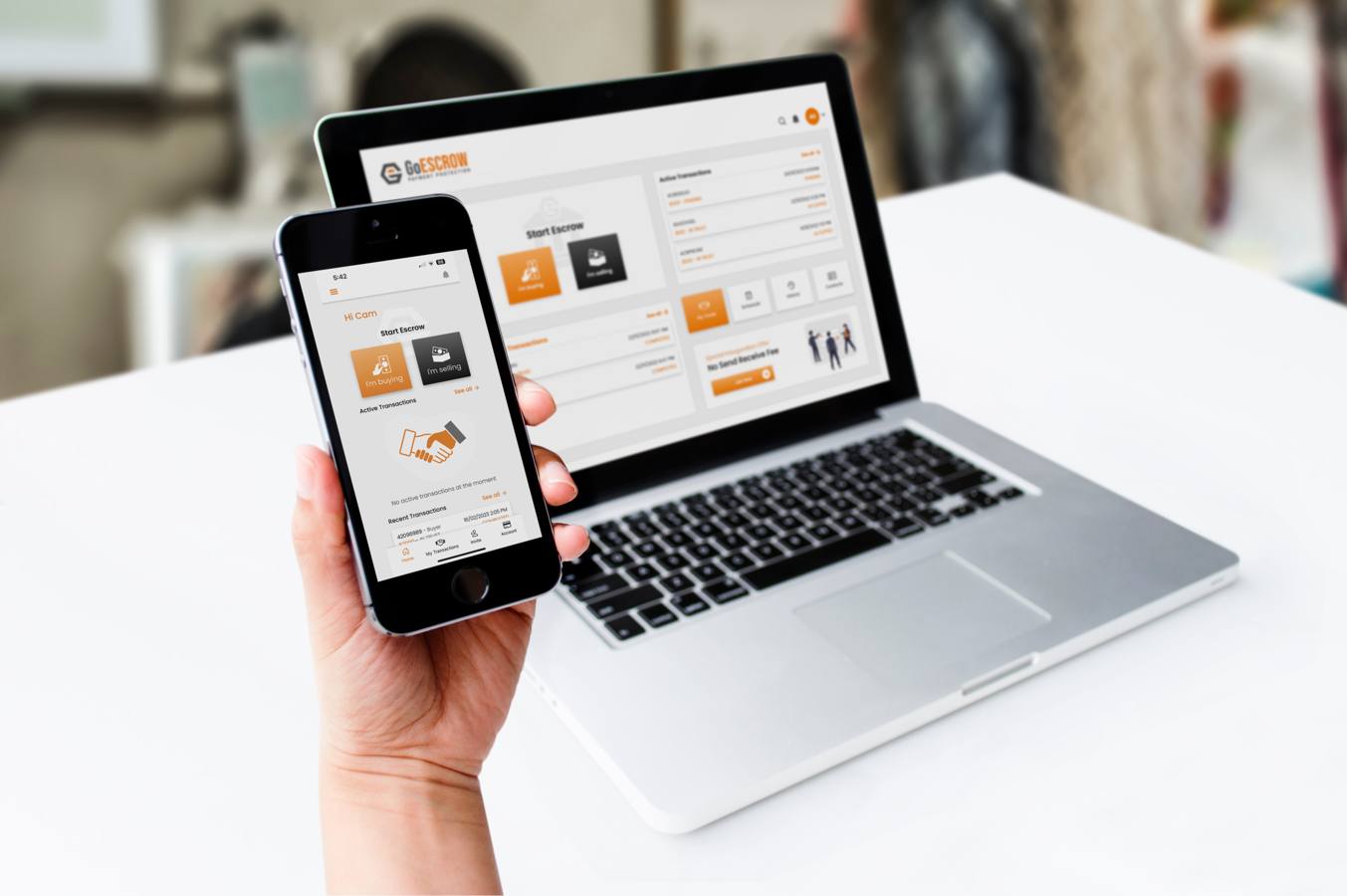
During registration, complete your personal account details when GoEscrow prompts you. Accurate account information supports identity verification and the operation of the payment service.
Enter your residential address
 Enter your residential address
Enter your current home address. If the address search presents a matching suggestion, select it and check the populated details.
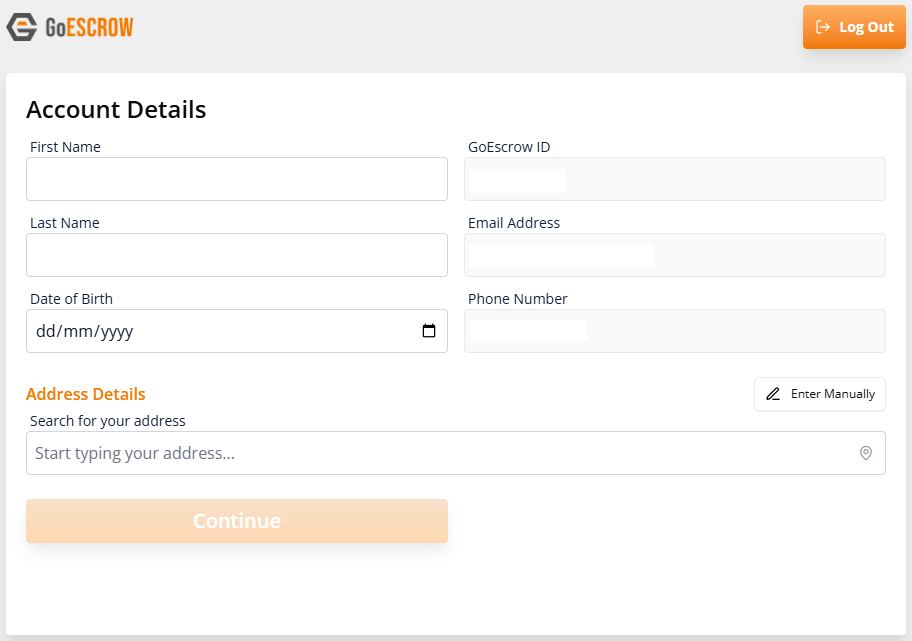 Open larger image
Enter an address manually
 Enter an address manually
If your address does not appear in the suggestions, choose the manual entry option and complete the requested fields. Check the details before continuing.
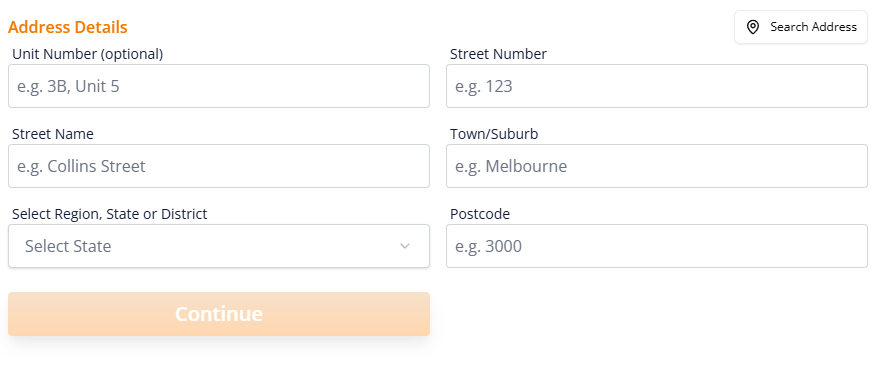 Open larger image
Follow the next account setup prompts. If your personal details are incorrect or you cannot complete verification, contact the Help Desk.
Related documentation
 Related documentation
Identification during registration · Manage your account · Connect an ABN