Your registered mobile number is used for account verification and security. Make sure you can receive SMS messages on the new number before changing it.
Enter the new mobile number
 Enter the new mobile number
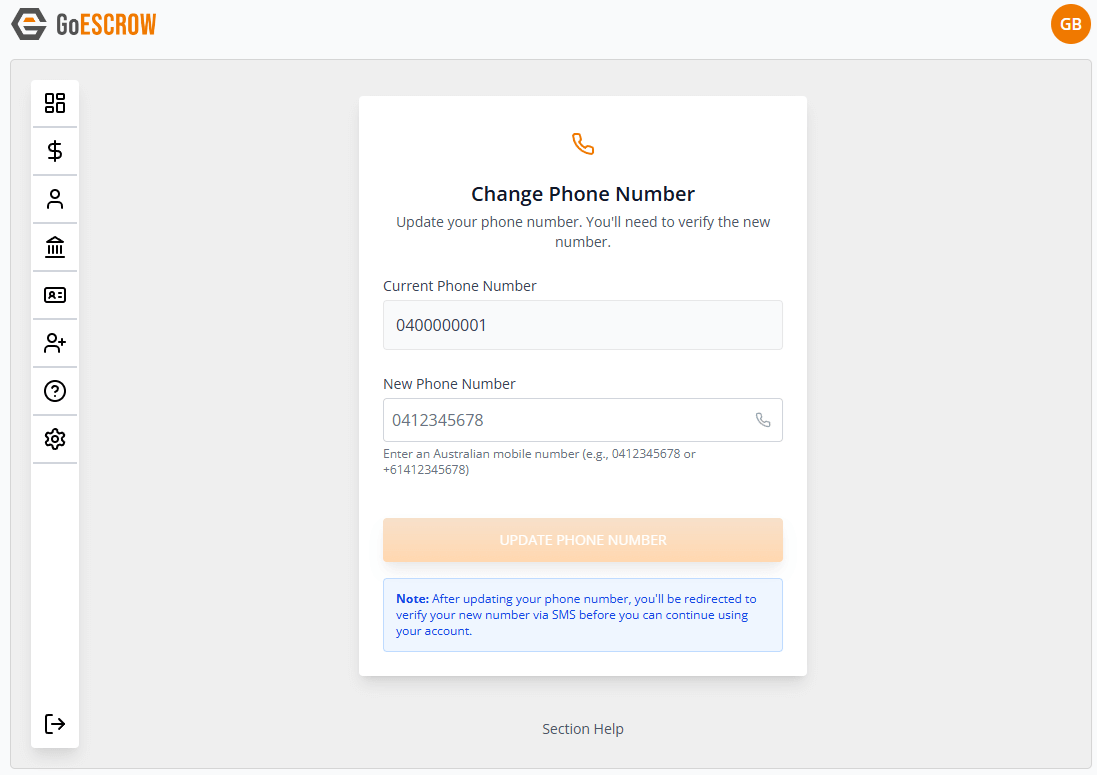
- Open Settings and select Change Mobile Number or Change Phone Number.
- Review your current number.
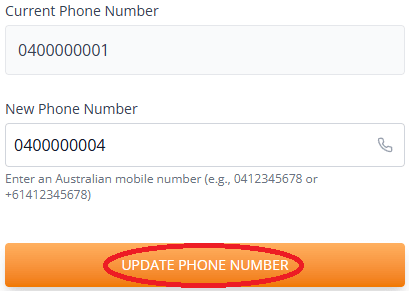
- Enter the new number and submit the update.
 Open larger image
 Open larger image
Verify the new number
 Verify the new number
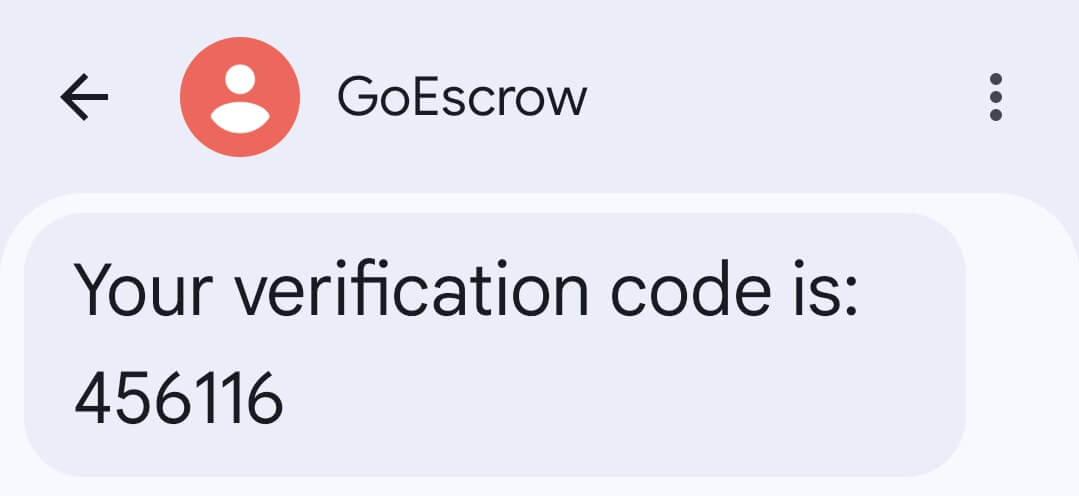
GoEscrow sends a verification code to the new number. Enter the six-digit SMS code and select Verify Now. Complete verification before continuing to use the account.
 Open larger image
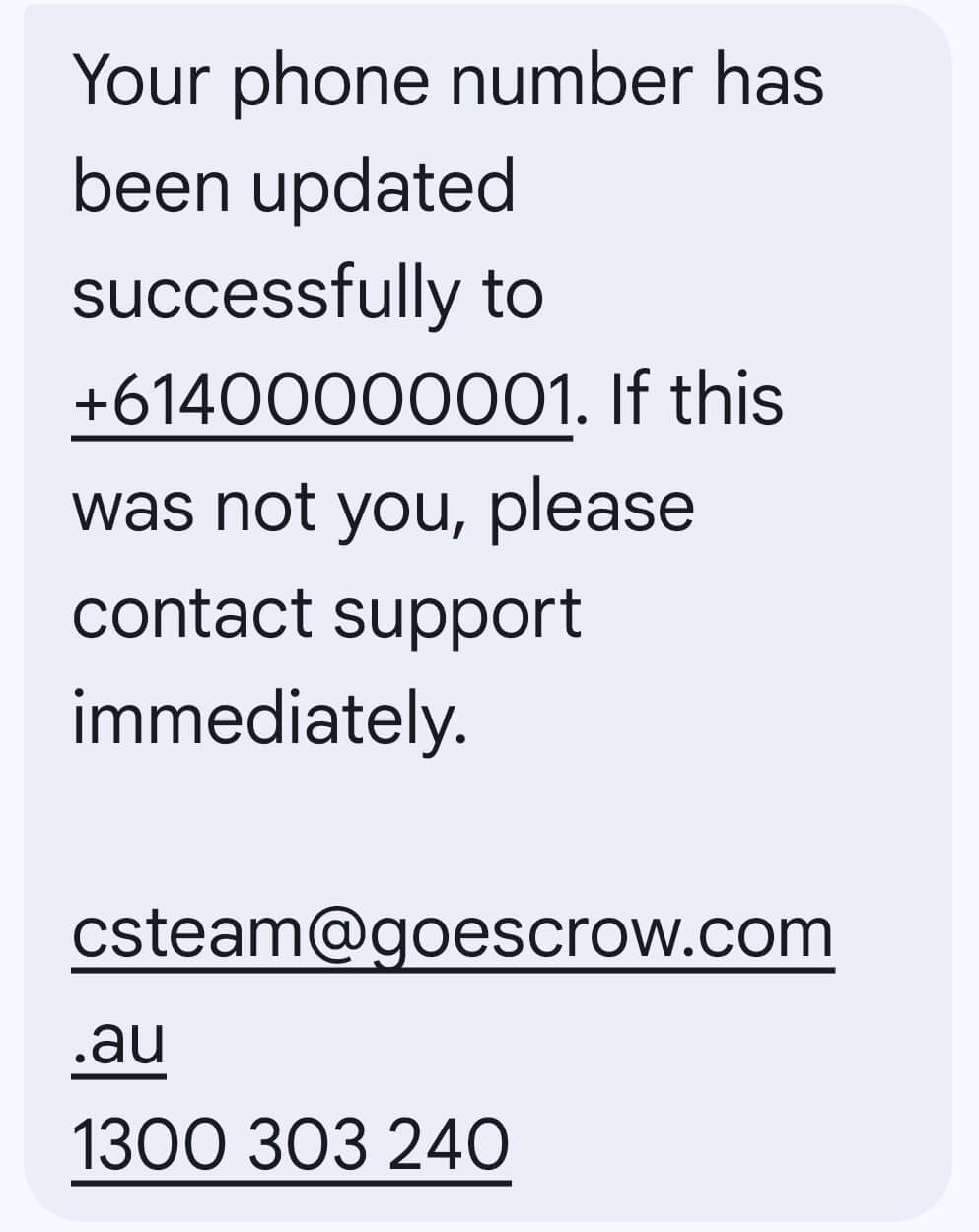
Check the confirmation message. If the code does not arrive, check the number and mobile reception and use the available resend option. Never share your verification code.
 Open larger image
 Related documentation