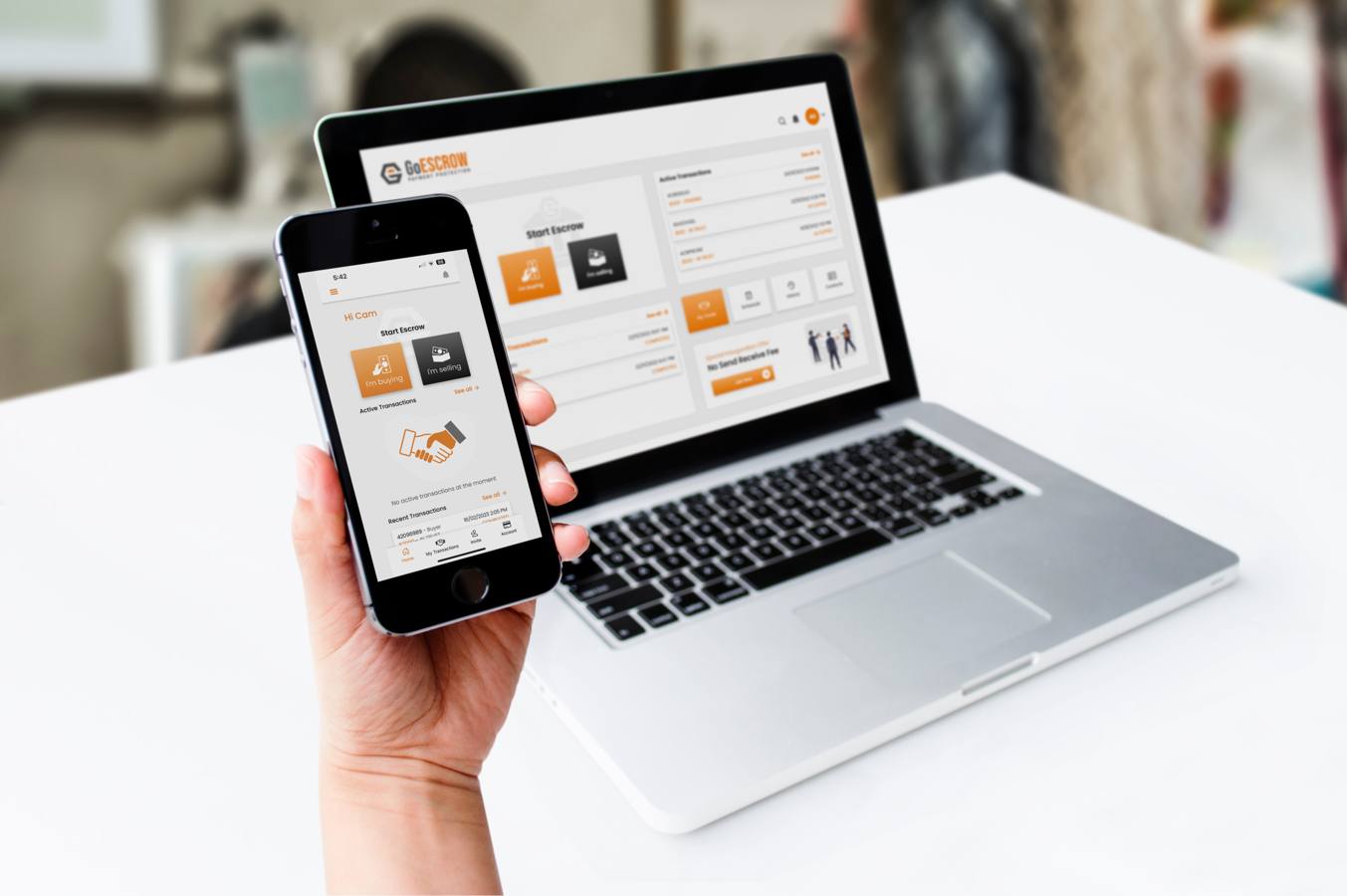
Request Money is for the payee requesting a payment from a payer. Creating a transaction does not itself confirm that money is held in escrow.
Identify the other party
- From the Dashboard select Request Money.
- Under Other Party Details, enter the other party’s GoEscrow ID, phone number or email address.
- Select Check.
- Review the returned user information carefully. Confirm that it corresponds to the intended party.
- Select Request to proceed to setup.
If the other party is not registered
 If the other party is not registered
Check the contact details. If the application offers Invite, use it to invite the intended party. An invitation is not an accepted or funded transaction. You cannot create a transaction with yourself. If a GoEscrow ID cannot be found, check the ID or obtain the correct contact details.
What happens next
 What happens next
 IdentifyCheck the other party
 Set upSpecify transaction terms and amounts
 ConfirmReview the proposed transaction
 FundPayer completes the funding process
Continue to transaction setup instructions. See also Invite Help.