Account Details lets you review the personal information and Australian business entities linked to your GoEscrow account.
Review your personal information
 Review your personal information
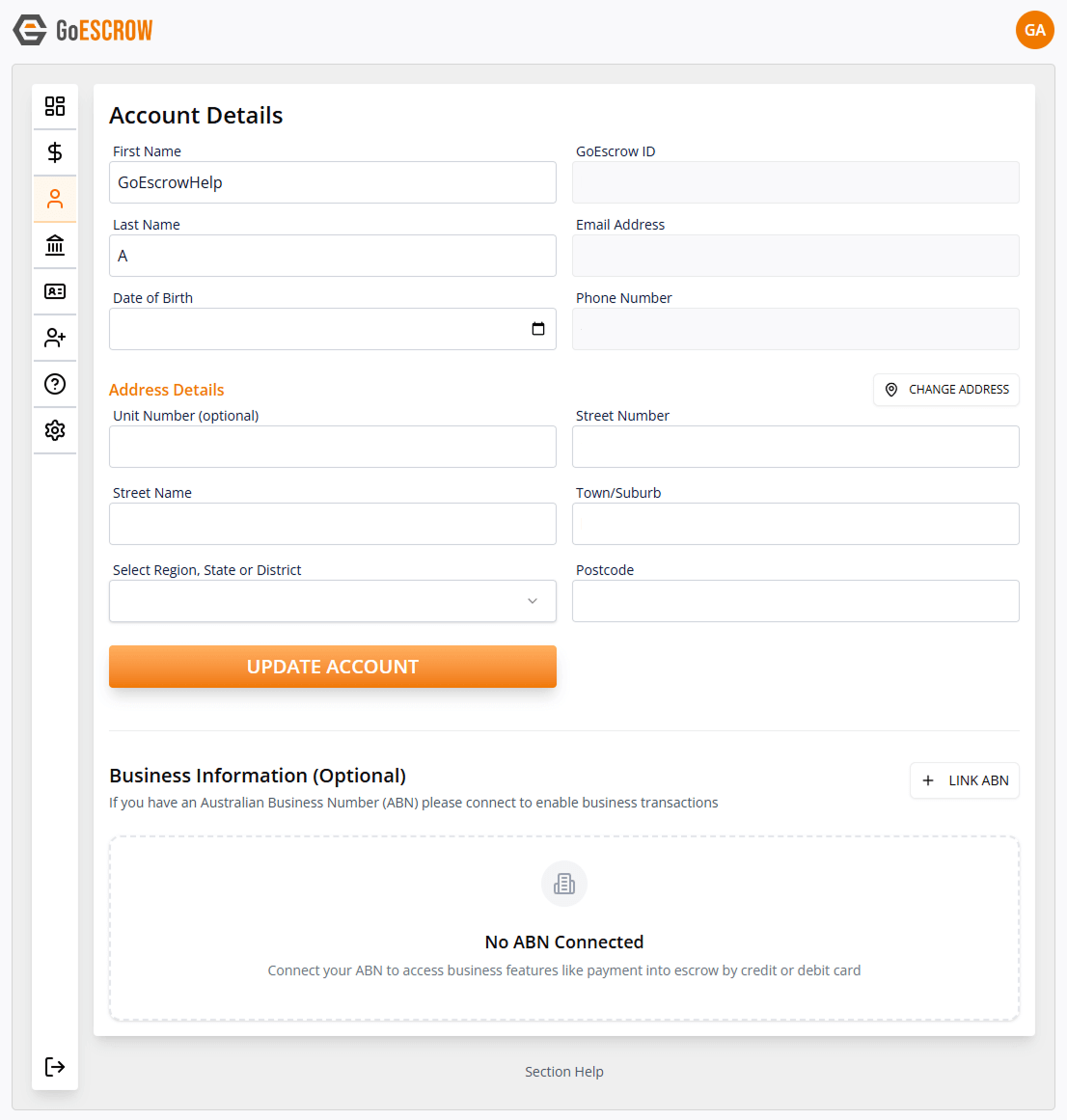
Review your name, date of birth and address. Where fields are editable, correct them and save the changes using the available update action. If a verified identity detail cannot be edited, contact Customer Service rather than creating another account.
 Open larger image
Update your address
 Update your address
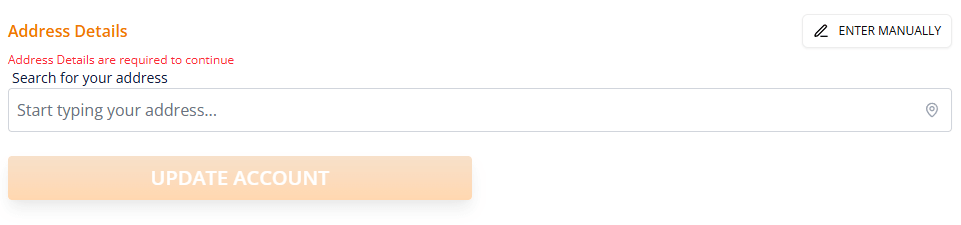
Use the address search to select your current residential address. Check the populated fields before saving. If an address cannot be found, use manual entry where available.
 Open larger image
Link an Australian Business Number
 Link an Australian Business Number
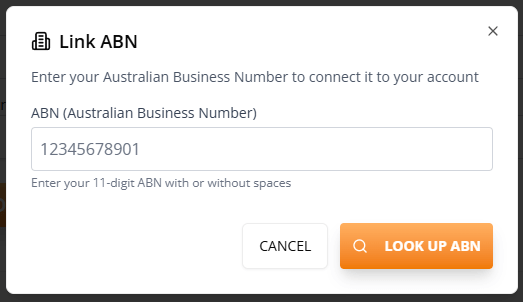
Under Business Information (Optional), select Link ABN. Enter your 11-digit ABN and select Look up ABN.
 Open larger image
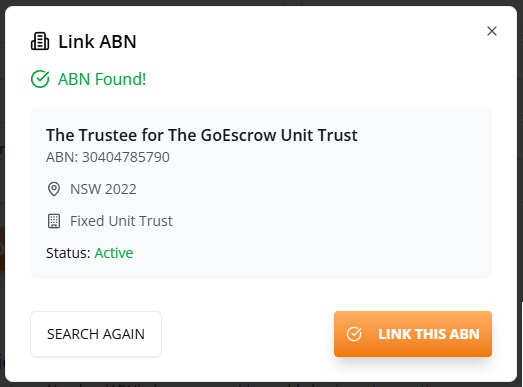
Review the returned business name and ABN. If the entity is correct and you are authorised to act for it, select Link This ABN.
 Open larger image
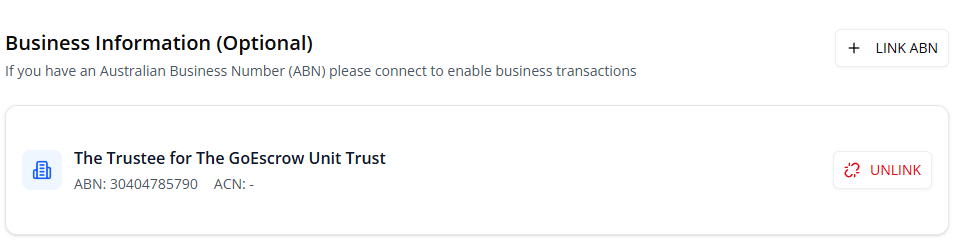
Linked entities appear in Business Information. Linking an ABN does not by itself establish that every business transaction or settlement account is approved. Complete any additional requirements GoEscrow presents.
 Open larger image
Other account changes
 Other account changes
Use Settings to change your email address, mobile number or password. Use Bank Account Details to manage settlement banking information.
 Related documentation