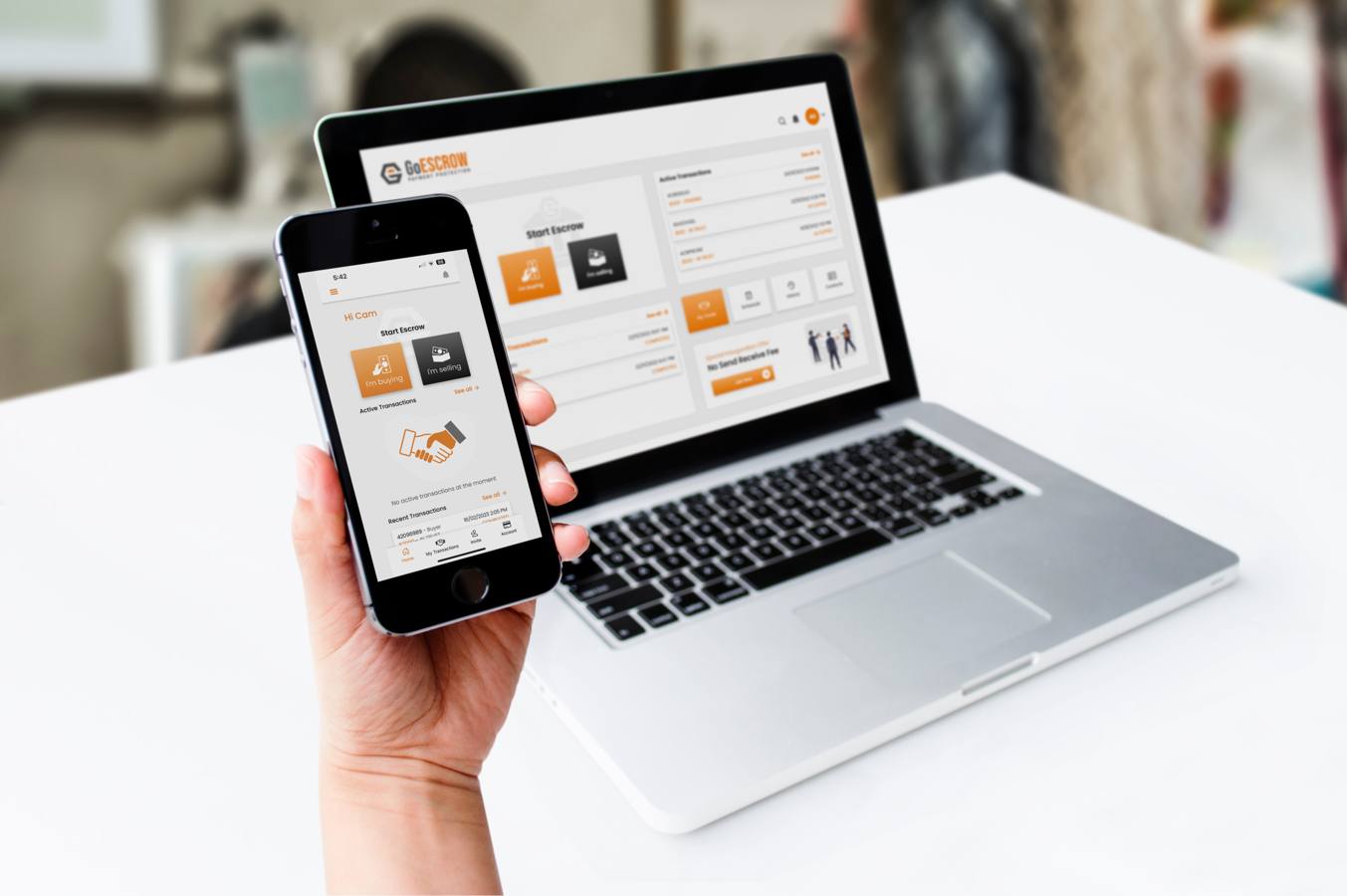
The Dashboard is your starting point after signing in to GoEscrow. Use it to establish a new escrow transaction, find an existing transaction or complete account requirements. Available actions depend on your account and the transaction’s current status.
 Open larger image
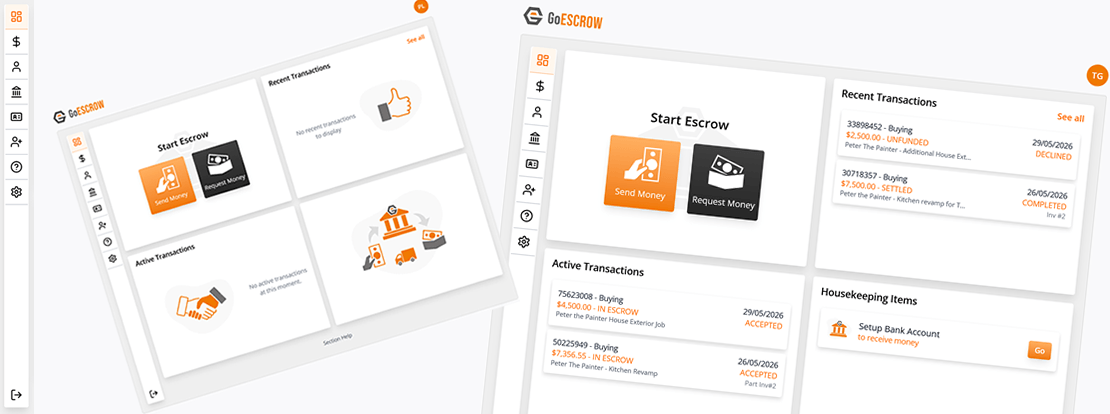
Navigate the application
 Navigate the application
Home
 Home
Return to your dashboard.
Transactions
 Transactions
Review your transactions and filter them by status. Transaction listing help.
Account
 Account
Review personal details, address and linked business information. Account details help.
Bank
 Bank
Set up or verify your settlement bank account. This is where eligible settlement payments are sent. Bank account help.
ID
 ID
Review identification requirements and complete verification. Identification help.
Invite
 Invite
 another person to register with GoEscrow. Invitation help.
Help Desk
 Help Desk
Contact Customer Service for assistance, including transaction issues. GoEscrow does not adjudicate the underlying commercial dispute.
Settings
 Settings
Manage your password, email address or mobile number.
Log out
 Log out
End your current signed-in session.
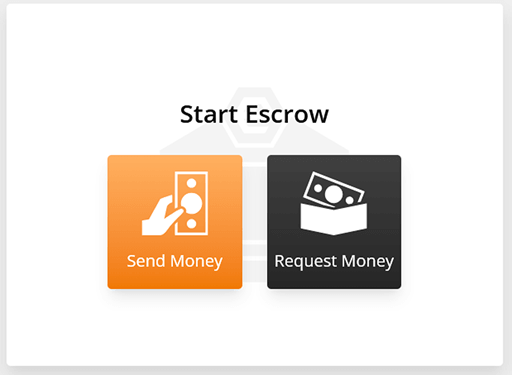
Start a new escrow transaction
 Start a new escrow transaction
Choose Send Money if you are the payer establishing a payment to another party, or Request Money if you are the payee requesting that another party fund escrow. Starting a transaction is not the same as funding it.
 Open larger image
Send Money — getting started · Request Money — getting started
Find and manage your transactions
 Find and manage your transactions
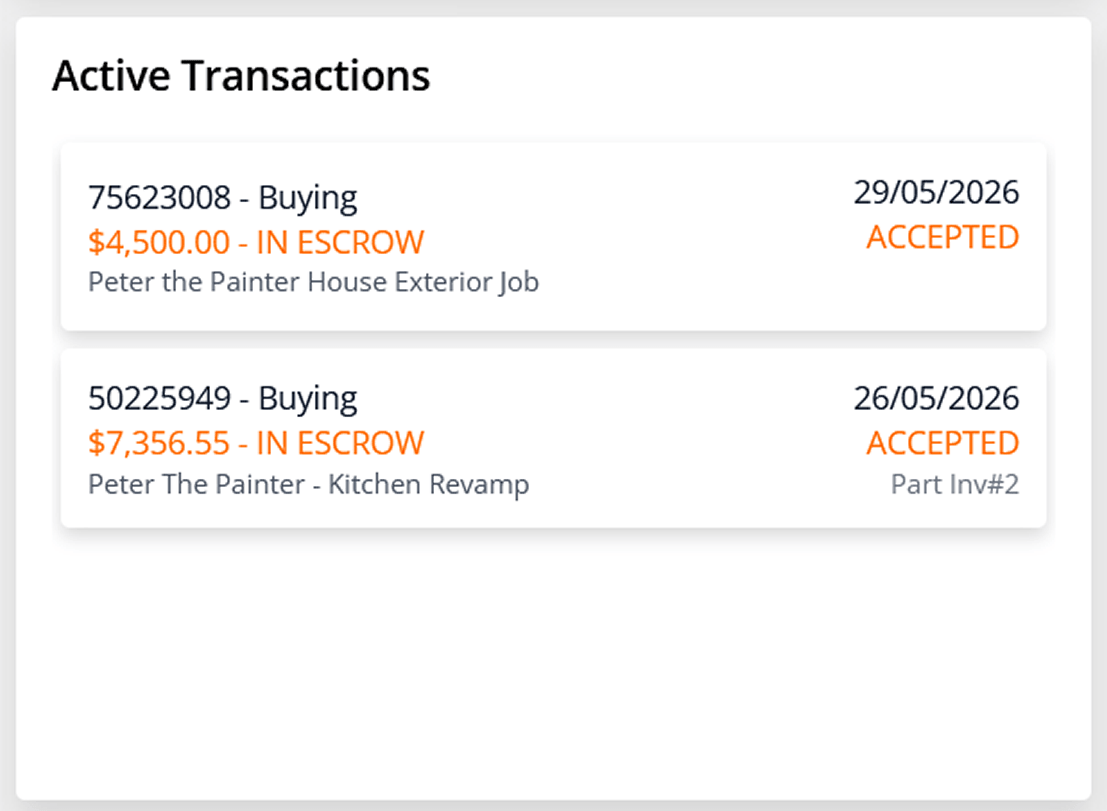
Active transactions
Open an active transaction to review its status and any action required from you or the other party. Always rely on the current transaction details, not a payment screenshot.
 Open larger image
Recent transactions
Review recently closed or completed transactions. Select a transaction to see its details, or open the full transaction list.
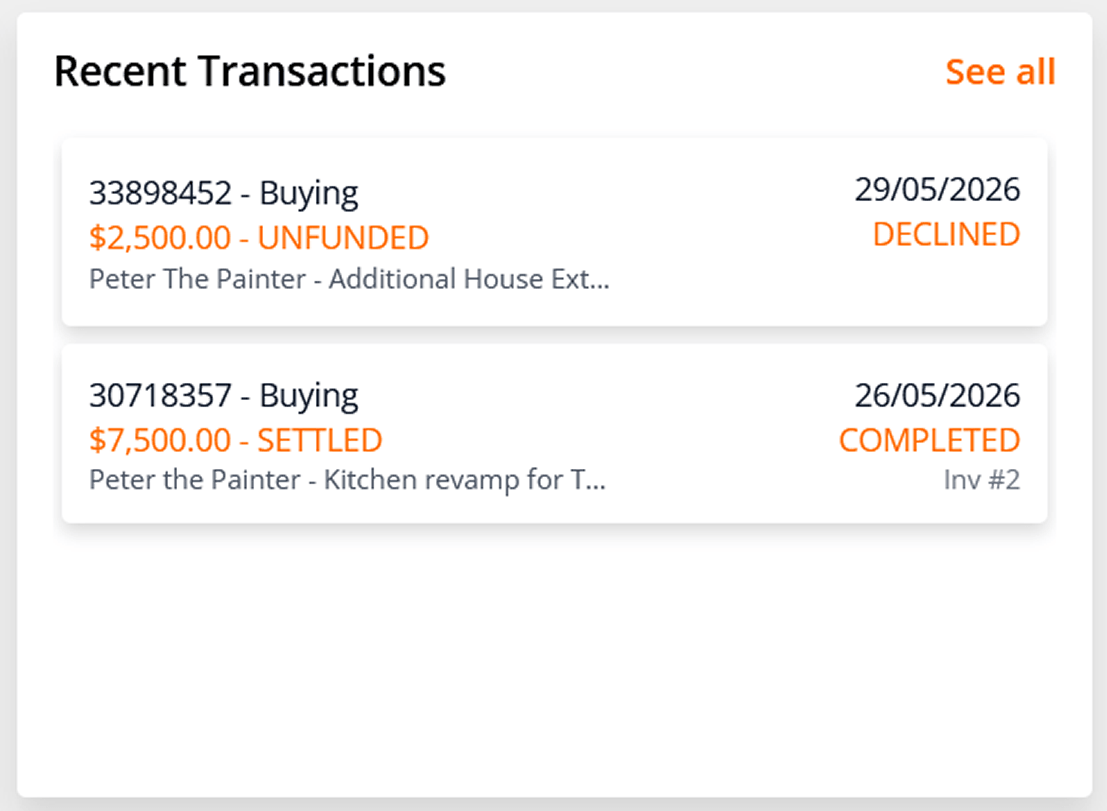 Open larger image
Account reminders
 Account reminders
The housekeeping section highlights outstanding requirements. Depending on your account, these may include identification checks, bank account verification or an optional PayTo agreement. Dismissing a reminder does not complete the underlying requirement.
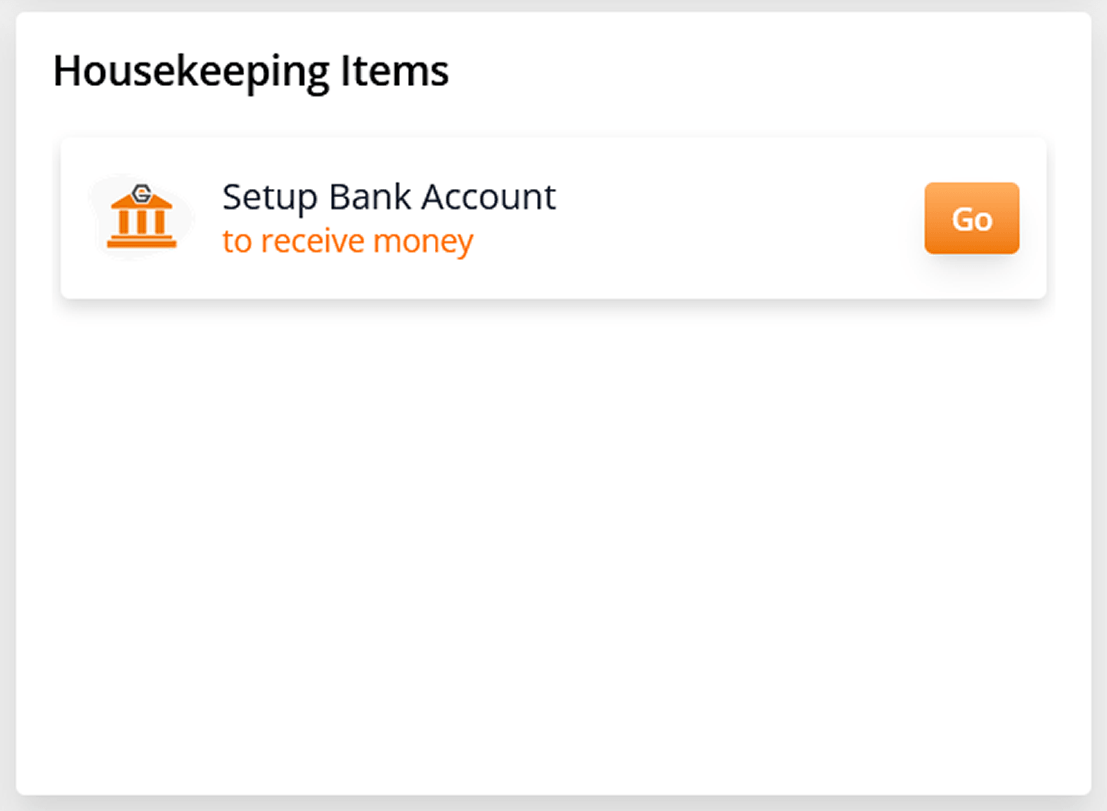 Open larger image
Use the relevant account section to complete outstanding requirements. See Identification Documents, Bank Account Details and PayTo Help.
Related documentation
 Related documentation
Return to the GoEscrow Online User Guide.